668 Code: How to Check How Many SIMs Are Registered on Your CNIC
One text message tells you exactly how many SIM cards sit under your name right now. Here is the real, official way to send it, read it, and act on it.
668 Verification Slip
What the 668 code actually does
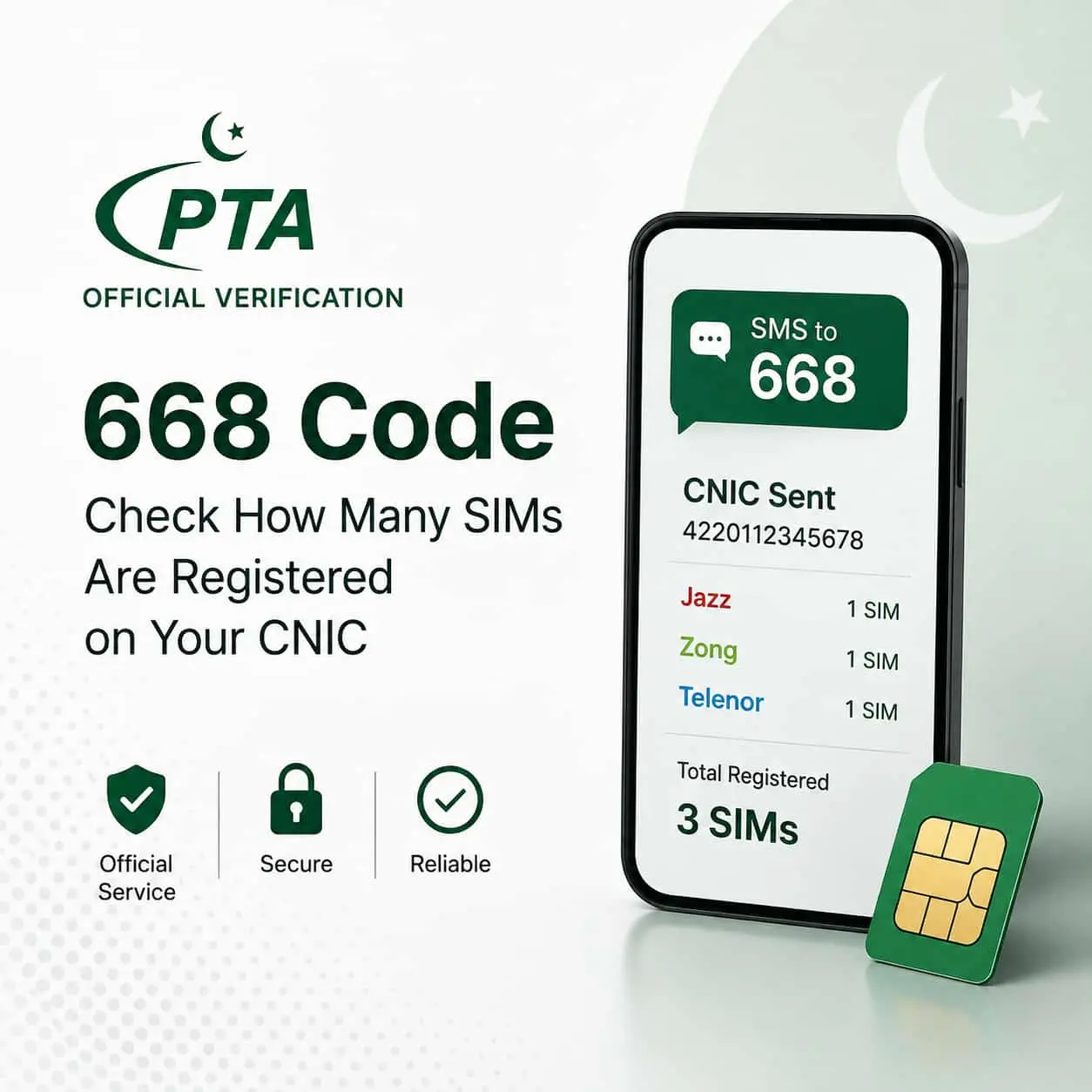
Every SIM card sold in Pakistan gets linked to a CNIC through biometric verification. Code 668 is PTA’s free self-check tool that shows you exactly how many of those SIMs sit under your identity, broken down by operator.
Think of it as a mirror, not a search engine. You send your own CNIC, and you get your own record back. Nobody else’s data comes through this channel, and that is by design: PTA built 668 to help you audit your own name, not to browse anyone else’s.
This matters more than it sounds. If a fraudster registers a SIM using a stolen copy of your CNIC, that SIM is legally yours until you catch it and report it. So running this check every few months is a genuinely useful habit, not just a compliance chore.
Step-by-step: checking via SMS
The whole process takes under a minute, and it works on a basic feature phone too, since it needs nothing but standard SMS.
- Open your messaging app
Any phone, any Pakistani network, works for this. You do not need internet or a smartphone.
- Type your 13-digit CNIC
Enter it as one continuous number, with no dashes and no spaces. For example: 4220112345678.
- Send it to 668
That is the full shortcode. A standard SMS charge applies, set by your own operator.
- Read PTA’s reply
Within seconds, you get a message listing your total SIM count, split by operator: Jazz, Zong, Telenor, Ufone, and SCOM.
Alternative: the cnic.sims.pk portal
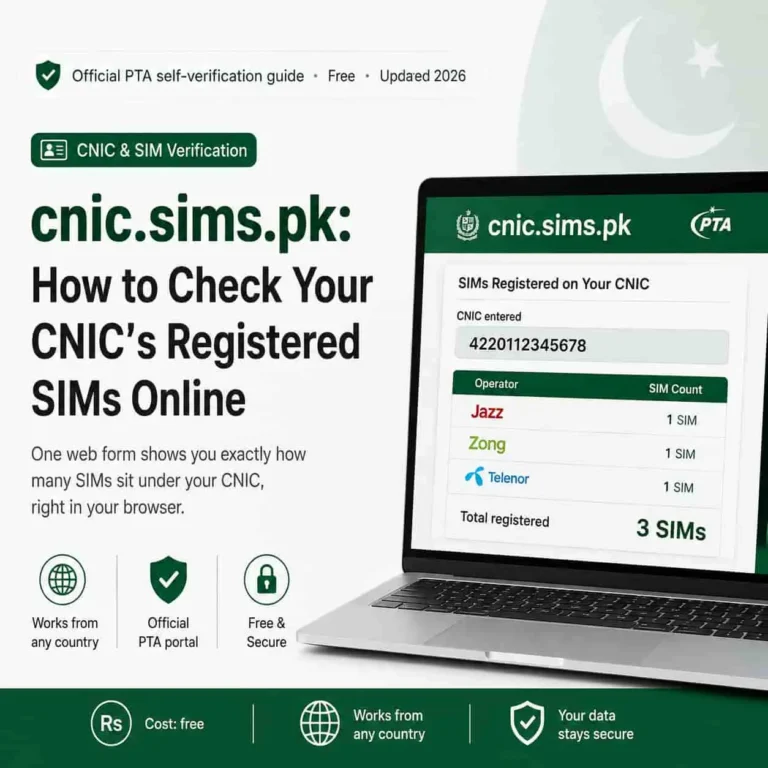
If you would rather see the result on a screen, PTA also runs an official web portal at cnic.sims.pk. It is useful when you are abroad, since the SMS method needs a Pakistani SIM to send from, while the portal works from any browser, anywhere.
- Open the official portal
Go to cnic.sims.pk directly. Do not use a copycat link from search results or social media.
- Enter your CNIC number
Type the 13 digits into the input field, no dashes needed.
- Confirm and submit
Tick the verification checkbox and click submit to run the check.
- View the table
The portal displays your registered SIM count per operator, right on screen.
Quick tip: Bookmark cnic.sims.pk once, so you never have to search for it again and risk landing on a lookalike site.
Want the full walkthrough, including screenshots and common portal errors? See our dedicated cnic.sims.pk guide for the complete breakdown.
How to read your result
The reply is short on purpose, but each part tells you something worth checking.
| What you see | What it means |
|---|---|
| Total SIM count | Every active connection currently tied to your CNIC, across all networks. |
| Per-operator breakdown | How many SIMs sit with Jazz, Zong, Telenor, Ufone, or SCOM individually. |
| A number higher than you expect | A signal to check for old, unused, or unauthorized SIMs. |
Compare the count against the SIMs you know you actually use. If the numbers match, you are done, and you can relax. If they do not, move to the next section right away.
Found a SIM you do not recognize?
Do not panic, but do not ignore it either. Here is the sequence that actually resolves it.
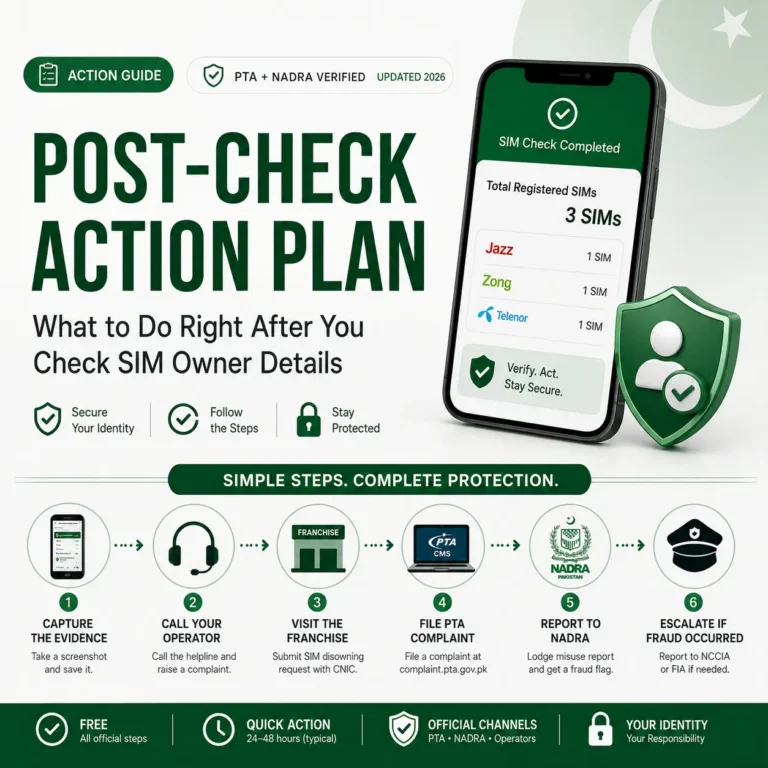
Act in this order: Screenshot the 668 reply first, then visit the specific operator’s franchise or customer center, and finally escalate to PTA if the operator does not resolve it.
Every operator, whether that is a Jazz franchise, a Zong center, or a Telenor outlet, can pull up the registration and either transfer the unknown number back to its real owner or block it outright. Bring your original CNIC, since they will re-verify your biometrics before making any change.
If the operator drags its feet, PTA’s helpline on 0800-55055 exists exactly for this. Consequently, you always have a second door to knock on.
668 vs 667: do not mix them up
These two codes get confused constantly, so here is the clean split.
| Code | What it checks | Who can use it |
|---|---|---|
| 668 | Total SIMs registered against a CNIC | Anyone, for their own CNIC |
| 667 | Confirms the registered owner of one specific SIM | Only from the SIM you physically hold |
Notice the restriction on 667: it works from the line itself, not on a number you found somewhere else. Using it, or any similar tool, to identify a stranger’s identity from their phone number is not how the system is meant to work, and it can expose you to liability under Pakistan’s Prevention of Electronic Crimes Act.
Fake “SIM owner details” sites to avoid
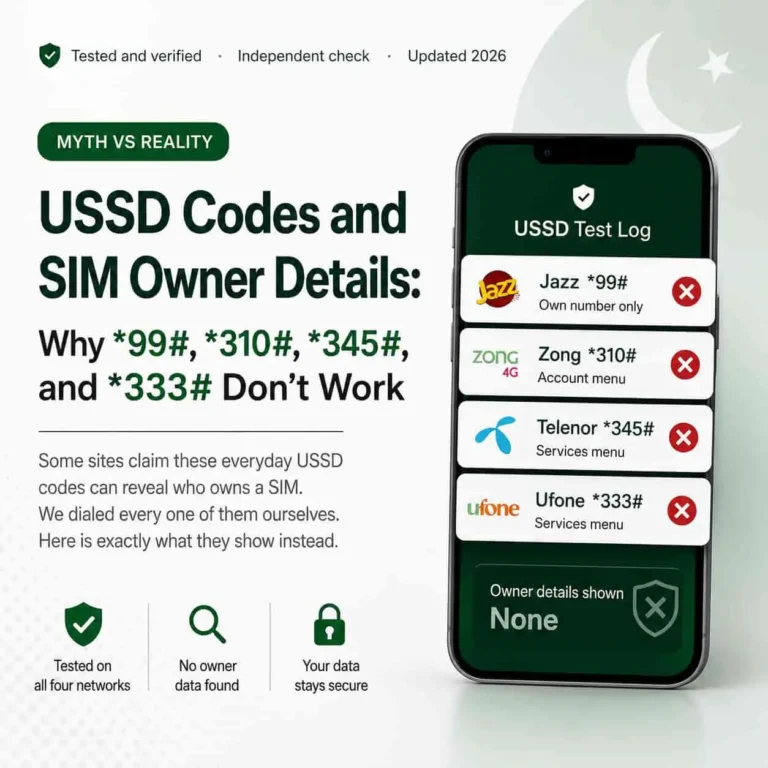
Search “SIM owner details Pakistan” and you will run into dozens of sites promising instant name, address, and CNIC lookups for any number. Treat every one of them as a red flag.
PTA never distributes another subscriber’s private data through a public website. Genuine channels always start with your own CNIC and return your own record, nothing else. Any site that asks for a stranger’s number and promises a full profile in return is either harvesting your data, running ads on false promises, or both.
Stay safe: Never enter your CNIC on a site other than cnic.sims.pk, and never pay for a “premium” SIM lookup. The official check has always been free.
Want more official telecom guides like this one?
sim.net.pk covers PTA verification, SIM registration limits, and mobile fraud protection for Pakistani users, all sourced from official channels.
Browse more guides on sim.net.pkFrequently asked questions
Is the 668 SIM check service free?
Sending your CNIC to 668 costs a small standard SMS charge from your own operator, usually a rupee or two. PTA does not charge anything extra for the verification itself.
Can I check someone else’s SIM details using 668?
No. The reply only covers the CNIC you send, so it only ever shows your own record. Using it, or any other service, to pull up another person’s identity breaches subscriber privacy rules and can carry legal consequences under PECA.
What is the difference between 668 and 667?
668 checks how many SIMs sit under a CNIC. 667 confirms the registered owner of one specific line, and only works when sent from that exact SIM, not as a lookup for someone else’s number.
What should I do if I find a SIM I do not recognize?
Screenshot the 668 reply, then visit the listed operator’s franchise with your CNIC to have the unknown SIM blocked or transferred. If that stalls, call PTA’s helpline on 0800-55055.
Sources
- Pakistan Telecommunication Authority, official SIM verification guidance — pta.gov.pk
- PTA CNIC SIM Information System, official web portal — cnic.sims.pk
- National Database and Registration Authority (NADRA), CNIC identity services — nadra.gov.pk
- Prevention of Electronic Crimes Act (PECA) 2016, National Assembly of Pakistan — na.gov.pk