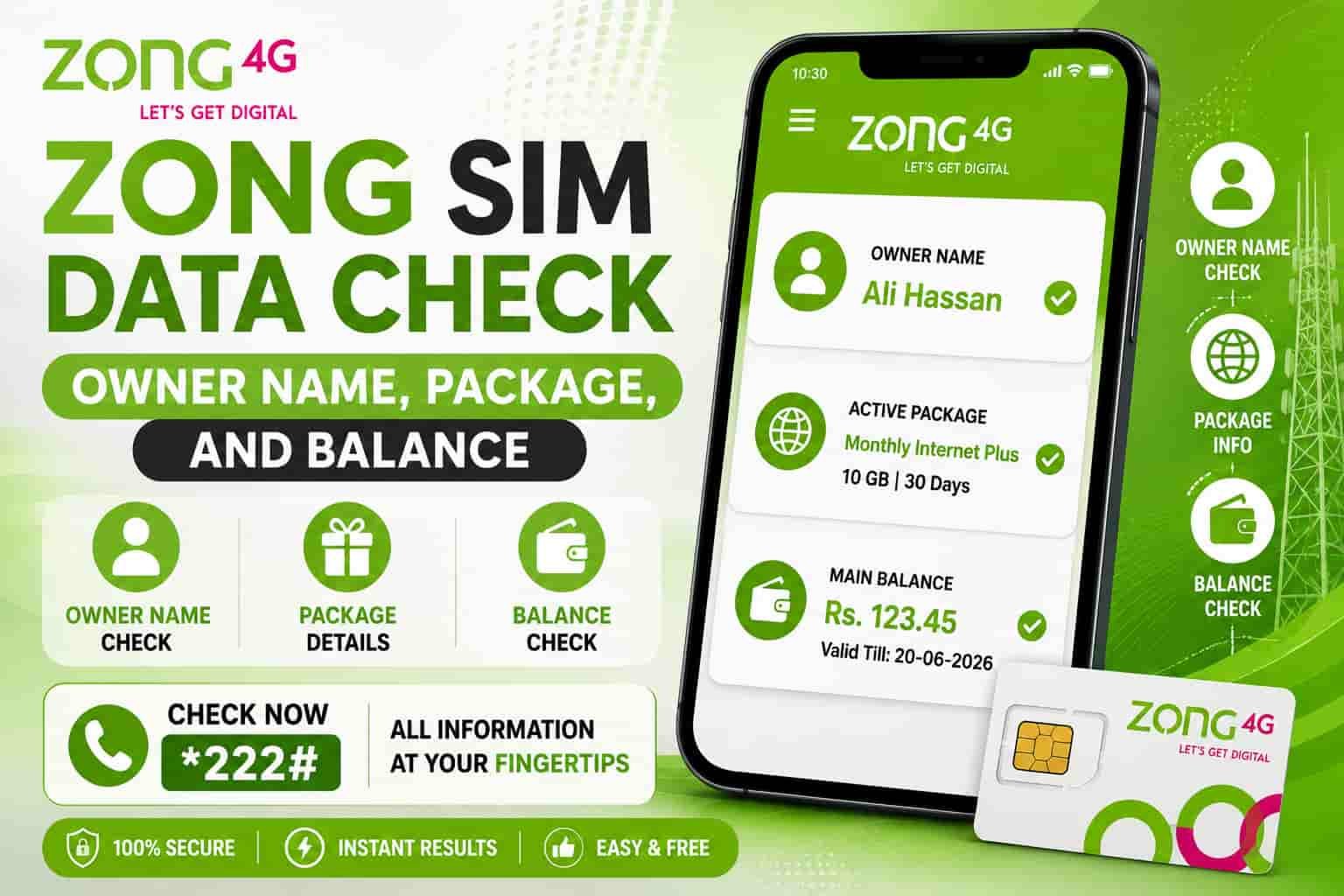
Zong SIM Data Check: Owner Name, Package, and Balance
One complete guide to verify your Zong SIM ownership, check active packages, and monitor your balance — using USSD codes, SMS, the My Zong app, and official PTA portals.
Quick Reference
What Is a Zong SIM Data Check?
A Zong SIM data check is when you verify three things about your Zong number in one go: who the SIM is registered to (owner name), which package is active on it, and how much balance remains.
Most people treat these as three separate tasks and end up lost between different codes and apps. This guide puts it all in one place.
Here is why doing this regularly matters:
- Unknown subscriptions drain your balance
Hidden services quietly eat your credit without any warning.
- Fraudsters can register SIMs on your CNIC
Unauthorized registrations happen more often than you think — and you will not know unless you check.
- Package awareness saves real money
Knowing your package status lets you recharge or switch bundles at the right time.
Zong’s number prefixes are 0310 through 0319, and Zong is operated by China Mobile Pakistan, one of the world’s largest telecom companies, with coverage across more than 1,000 cities and towns in Pakistan.
Every Zong SIM gets registered against a Pakistani CNIC through PTA’s Subscriber Verification Management System (SVMS). Your name, masked CNIC, activation date, and biometric status are all stored there the moment you activate the SIM.
This guide covers every method — USSD codes, SMS shortcuts, the My Zong app, the eCare web portal, and the official PTA portal — so you get a full picture without bouncing between ten different sites.
Zong SIM Owner Name Check: All Official Methods
This is the part that confuses people the most. Let us be straight with you: you can only check ownership details of the SIM physically in your phone, or SIMs linked to your own CNIC. Checking another person’s SIM details without their consent is illegal under PECA 2016 and PTA regulations.
With that clear, here are the official methods.
Method 1: Send “MNP” to 667 (Fastest for Single SIM)
This is the quickest way to verify who a specific Zong SIM is registered to.
- Open your SMS app
Go to your default messaging application.
- Type MNP in capital letters
Make sure there are no extra spaces.
- Send it to 667 from your Zong SIM
You will get the registered owner name back in under ten seconds. The reply also shows your Zong number and a partially masked CNIC.
Keep a small balance before you try this. A minor SMS fee may apply. This method only checks the SIM that is physically in your phone — it does not show other Zong SIMs linked to your CNIC.
Method 2: Send Letter “V” to 7911 (Biometric Verification Status)
This method confirms whether your Zong SIM has been biometrically verified or not.
- Open SMS
Launch the messaging app on your phone.
- Type V
Just the single letter, nothing else.
- Send it to 7911 from your Zong number
You will receive your biometric verification status within seconds. This is completely free.
If the reply says “not verified,” visit your nearest Zong Customer Service Centre with your original CNIC to complete the biometric scan. An unverified SIM can be blocked by PTA at any time.
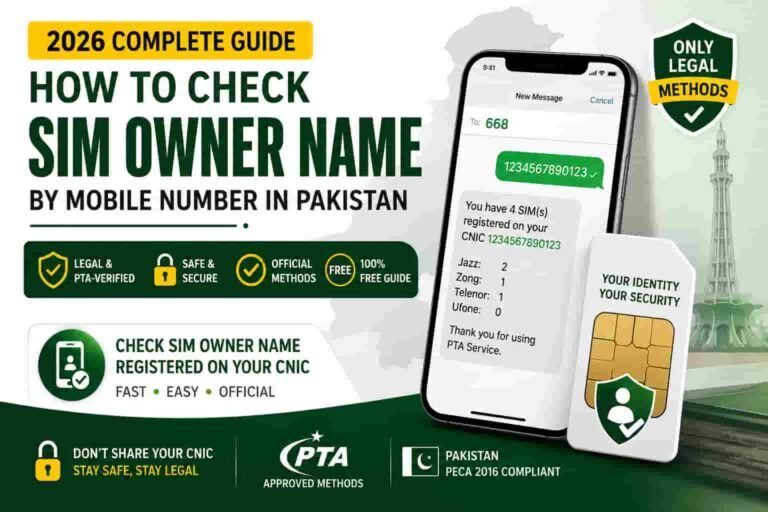
Method 3: Send Your CNIC to 668 (All Networks at Once)
This is the single most important check every Pakistani should do regularly. It is fully official — issued directly by PTA.
- Open SMS
Use the messaging app on any phone.
- Type your 13-digit CNIC without any dashes
For example: 3520112345678
- Send it to 668 from any Pakistani SIM
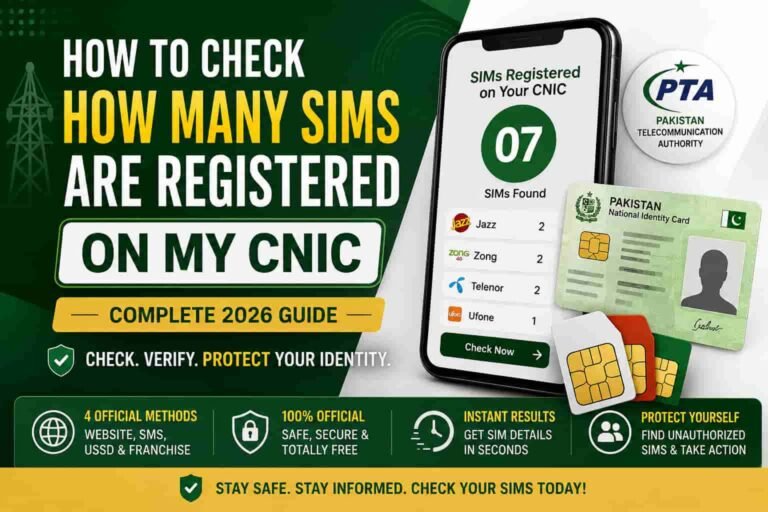
Not just Zong — any network works. The reply comes within 60 seconds and shows every SIM registered on your CNIC, broken down by network.
PTA data from 2025 showed a 67% increase in unauthorized Zong SIM registrations compared to 2023. This makes the 668 check especially important for Zong users right now. Do this at least twice a month.
For full details on using this method, read our complete guide on the 668 code.
Method 4: Visit cnic.sims.pk (Online Portal)
The PTA’s official web portal gives you a printable ownership record.
- Go to cnic.sims.pk
Open the PTA portal in any browser.
- Enter your CNIC without dashes
Type all 13 digits into the input field.
- Clear the CAPTCHA and click Submit
You get a full table of all SIMs on your CNIC across every network. This is the only method that produces documentation accepted in legal proceedings, banks, and courts.
For a detailed walkthrough of this portal, visit sim.net.pk.
Method 5: Visit a Zong Service Centre (For Full Documentation)
If 668 tells you “Zong: 3 SIMs” but you only own two Zong numbers, you cannot get those actual numbers through SMS or USSD — Pakistani privacy law blocks that. You have to walk into a Zong Customer Service Centre with your original CNIC in hand.
- Carry your original CNIC
Photocopies are rejected at all service centres.
- Complete the biometric scan on-site
The agent will verify your identity using fingerprint recognition.
- Ask for all Zong numbers under your CNIC
They print a complete list with activation dates and status. If you spot an unfamiliar number, file a disowning request on the spot.
Common Myth Busted: Many websites claim that dialing *310# reveals SIM owner details. It does not. *310# is Zong’s master service menu — it only shows your Zong number, balance, and package options. It reveals zero ownership data. We have tested this and confirmed it.
Zong Package Check: How to See Your Active Bundle
Once you know your SIM is correctly registered, the next step is checking what package is active on it. Zong makes this easy.
Check All Active Packages at Once
Dial *102# from your Zong SIM and then select option 1 from the menu.
When you dial *102#, you will receive a message showing your current active packages. The message usually contains details like bundle name, remaining MBs, SMS balance, available minutes, and expiry date.
This is the fastest single-code check for everything active on your Zong SIM.
Use the Master Menu
Dial *310# to open Zong’s full service menu. From here you can navigate to packages, bundles, data offers, and account information. This is the recommended starting point for new Zong users.
Check a Specific Package
For a specific bundle you subscribed to, add *2# to the end of the subscription code. The resulting code shows the remaining balance of that particular bundle.
Browse All Data Offers
Dial *6464# to browse and manage all Zong data package options in one menu.
Zong Balance Check: Prepaid and Postpaid
Prepaid Balance Check
Dial *222# from your Zong prepaid SIM to see your current credit and SIM expiry immediately. A charge of Rs. 0.20 + tax applies per check.
An alternative is *102# — select the account balance option from the menu that appears.
Postpaid Balance and Bill Check
If you use a Zong postpaid SIM:
- Send “BL” to 567
You will receive a detailed SMS with your current bill and free resources.
- Dial *310# and navigate to billing
This shows your current bill and outstanding amount.
Both methods work without using mobile data.
Zong MB (Internet Data) Check Codes
Tracking your mobile data is probably the most common reason people search for a Zong SIM data check. Here is the full breakdown for 2026.
Universal Data Check
Dial *102*1# for a complete summary. To check remaining SMS, dial *102*2#. To check remaining minutes, dial *102*3#. To check remaining MBs specifically, dial *102*4#.
So if you just want your internet data and nothing else, *102*4# is your shortcut.
Check via Main Menu
Dial *102# and from the menu that appears:
| Press | Shows You |
|---|---|
| 1 | Full summary (MBs, minutes, SMS) |
| 2 | Remaining minutes |
| 3 | Remaining SMS |
| 4 | Remaining internet MBs |
For Zong MBB / 4G Device Users
Zong MBB users can check their remaining MBs by taking their MBB SIM out of the Zong device, inserting it in a mobile phone, and dialing *102# or *102*4#.
If you use a Zong Wi-Fi device or dongle, this is the only way to check data without logging into the web portal.
Zong Minutes and SMS Balance Check
Check Remaining Call Minutes
Dial *102*3# to check remaining call minutes directly. Or dial *102# and select option 2 from the on-screen menu.
The reply shows remaining on-net (Zong to Zong) minutes, remaining off-net (other network) minutes, and the expiry date of each.
Check Remaining SMS Balance
Dial *102*2# for your remaining SMS count.
Or use the My Zong app — it shows SMS, minutes, and data all on one home screen without using any balance.
All Zong SIM Check Codes in One Table
| What You Want to Check | Code / Method | Cost |
|---|---|---|
| SIM owner name (single SIM) | SMS “MNP” to 667 | Small SMS fee |
| Biometric verification status | SMS “V” to 7911 | Free |
| All SIMs on your CNIC (all networks) | SMS CNIC to 668 | Free / standard SMS rate |
| All SIMs on CNIC (online, printable) | cnic.sims.pk | Free |
| Own Zong number display | *8# or *100# | Free |
| Master service menu | *310# | Free |
| Prepaid main balance | *222# | ~Rs. 0.20 + tax |
| All active packages + summary | *102# (select 1) | Free |
| Remaining internet MBs | *102*4# | Free |
| Remaining minutes | *102*3# | Free |
| Remaining SMS | *102*2# | Free |
| Full summary (MBs, minutes, SMS) | *102*1# | Free |
| Data packages menu | *6464# | Free |
| Postpaid bill check | SMS “BL” to 567 | Free |
| Emergency advance check | *9191# | Free |
| Zong helpline | 310 (from Zong) | Free |
| Zong helpline (other networks) | 051-111-222-111 | Standard call rate |
How to Check Everything Using the My Zong App
The My Zong app is the smartest way to do a full Zong SIM data check without dialing a single code. It is free, easy to navigate, and shows everything on one screen.
Download it from the Play Store or App Store. Sign in with your Zong number. Right there on the homepage, you will see your remaining MBs, minutes, and SMS.
Here is what the app shows you the moment you log in:
- Remaining main balance or current bill
Prepaid sees credit balance; postpaid sees current bill amount.
- All active packages with remaining resources
MBs, minutes, and SMS remaining — plus expiry countdown for each bundle.
- Recharge history going back 12 months
Useful for tax certificates or dispute resolution — longest of any Pakistani network app.
- Usage graphs
Track your daily consumption visually.
How to Set It Up
- Download the My Zong app
Open Google Play Store (Android) or Apple App Store (iPhone) and search “My Zong.”
- Enter your Zong number
Open the app and type in your active Zong number.
- Enter the OTP
A one-time password is sent to your number. Enter it to verify.
- Your dashboard loads
Your full account dashboard is ready — everything is right there.
The My Zong app received major security upgrades in late 2025. The biggest practical advantage over USSD codes: balance checks in the app are free. Every time you dial *222#, Zong charges you around Rs. 0.20 plus tax. Over a month, those small charges add up. The app saves you that.
Zong eCare Portal: The Online Option
If you prefer using a desktop or laptop, Zong’s eCare portal at zong.com.pk lets you manage your full account online.
What you can do there:
- Check remaining balance and package details
View all your active bundles and current credit.
- View and download billing statements
Access historical bills for postpaid accounts.
- Track data usage with visual graphs
See how your consumption trends over time.
- Subscribe or change packages
Manage your bundles without dialing any code.
- Raise and track complaints
File issues directly and follow their resolution status.
Log in with your Zong number. It is free to use and works on any browser.
What If a Zong Code Is Not Working?
This happens to everyone at some point. Go through these steps in order and the issue almost always clears up.
- Check your balance first
Some USSD codes need at least a small amount of balance. If you are at zero, codes like *222# will not run.
- Remove spaces from the code
*102 # (with a space) fails every time. It must be *102# with no gap anywhere.
- Restart your phone
A stuck network session is a common culprit. A quick restart almost always fixes it.
- Check signal strength
USSD codes need at least one bar of signal. Step outside or move to a more open area.
- Try the My Zong app instead
If codes are failing, the app works over data and is less affected by weak USSD signal.
- Call the helpline
Contact Zong on helpline 310 from your Zong number, or dial 051-111-222-111 from other networks. The call is free from a Zong SIM.
- Visit a Zong service centre
Bring your original CNIC. Any Zong franchise can pull your full account summary on the spot and resolve most issues immediately.
Frequently Asked Questions
How do I check the owner name of my Zong SIM?
Send “MNP” to 667 from your Zong SIM. The reply arrives in under ten seconds and shows the registered name along with a partially masked CNIC.
What is the Zong balance check code?
Dial *222# for prepaid. It shows your current balance and SIM expiry. For postpaid, send “BL” to 567 for a detailed bill summary.
How do I check my remaining Zong internet data?
Dial *102*4# for a direct data check. Or dial *102# and select option 4 from the menu.
Is checking Zong balance via *222# free?
No. It charges approximately Rs. 0.20 plus tax per check. To avoid this fee entirely, use the My Zong app — checking balance there is completely free.
Can I check Zong SIM details of another person?
No. Under PECA 2016 and PTA regulations, checking another person’s SIM ownership details without their consent is illegal. Only check SIMs tied to your own CNIC.
How do I know if my Zong SIM is biometrically verified?
Send the letter V to 7911 from your Zong number. The reply confirms your BVS (Biometric Verification Status) instantly and for free.
How many Zong SIMs can I have on one CNIC?
A maximum of 5 Zong SIMs per CNIC. Across all Pakistani networks combined, the limit is 8 total (5 voice, 3 data-only) per the Supreme Court of Pakistan’s 2024 ruling.
What is Zong’s number prefix?
Zong numbers start with 0310, 0311, 0312, 0313, 0314, 0315, 0316, 0317, 0318, and 0319.
How do I check if there are unknown SIMs on my CNIC?
Send your CNIC (no dashes) to 668 from any Pakistani SIM. The reply shows all SIMs across every network registered against your CNIC. Do this at least twice a month. If you see an unfamiliar number, visit the relevant network’s franchise with your CNIC and file a complaint with PTA at complaint.pta.gov.pk.
What is the Zong helpline number?
Dial 310 free from your Zong SIM. From any other network, call 051-111-222-111 at standard rates. Support is available 24/7.
Can I check how many SIMs are on my CNIC?
Yes. Send your 13-digit CNIC (no dashes) to 668. You get a full list within 60 seconds.
Protect Your Identity — Check Your CNIC Now
Send your CNIC to 668 today and make sure no unauthorized SIMs are registered under your name. It takes ten seconds.
Learn More on sim.net.pk →Sources
Every method in this guide was verified against official sources before publication. No guesswork.
- Pakistan Telecommunication Authority (PTA) — Official 668 method, SVMS data standards, SIM registration regulations: pta.gov.pk
- Zong Official Website — Helpline numbers, eCare portal, USSD code information: zong.com.pk/contact-us
- My Zong App — Google Play Store listing, security update information, features: play.google.com — My Zong
- cnic.sims.pk — PTA’s official SIM Information System portal
- Sim.net.pk — Pakistan’s authoritative platform for SIM owner details, 668 code guide, and PTA-recommended verification methods: sim.net.pk
- NADRA — Biometric verification and CNIC registration authority: nadra.gov.pk
Last updated: September 2026. All USSD codes tested and confirmed as active at time of publication. Codes and charges may change — always verify on zong.com.pk or by calling 310.