Ufone SIM Data Check: Owner, Package & Balance
Instantly verify who a Ufone SIM is registered to, which package is active, and what balance remains — verified working codes and methods for 2026.
Quick Reference
What Is Ufone SIM Data Check?
A Ufone SIM data check means confirming three things about your Ufone number: who it is registered to, which package is currently active, and what balance remains.
These three checks are completely separate from each other. Each one uses a different code or method. Most people need all three answers at once, so this guide brings everything together — verified working steps for 2026.
Ufone is owned by PTCL (Pakistan Telecommunication Company Limited), a subsidiary of Etisalat (e&). Ufone serves approximately 22 million subscribers across the 0333, 0334, 0335, 0336, and 0337 number ranges, and is connected to U-Paisa, its mobile financial services platform. That financial link makes verifying your Ufone SIM data a security priority, not just a convenience.
According to the Pakistan Telecommunication Authority (PTA), millions of SIMs across all networks remain improperly verified — making regular Ufone SIM data checks a responsibility every subscriber should take seriously. PTA’s official SIM verification page at pta.gov.pk provides additional resources and guidelines.
For a deeper understanding of how SIM owner details work in Pakistan, read our complete guide at sim.net.pk.
How to Check Ufone SIM Owner Name
There are six official and legal methods available. Choose the one that works best for your situation. Every method listed here is verified against official Ufone and PTA documentation as of 2026.
Method 1: Send “MNP” to 667
This is the fastest way to confirm whether the Ufone SIM in your phone is registered on your own CNIC. This method works instantly.
- Open Messages
Launch your phone’s Messages app.
- Type MNP
Compose a new message with the text: MNP
- Send to 667
Send the message to 667 and wait — the reply usually arrives in under 30 seconds.
The reply shows the registered owner’s name along with a partially masked CNIC number. The last three or four digits are visible so you can verify identity without your full CNIC being exposed.
This only checks the SIM physically inserted in your phone right now. It does not show other SIMs registered on your CNIC. If you just got a new SIM, the data may not be updated yet — you might see “Unknown” for the first few days.
Method 2: Dial *336# — Option 1 (Biometric Verification Status)
This method shows whether your Ufone SIM is properly biometrically verified on your CNIC.
- Open your dial pad
Navigate to the phone dialer.
- Dial *336#
Press the call button. A menu appears on screen.
- Select Option 1
The screen displays your SIM’s biometric verification status — either “Verified” or “Not Verified.”
If the result is “Not Verified,” visit any Ufone franchise with your original CNIC to complete the biometric process. PTA can suspend unverified SIMs at any time under its ongoing clean-up campaigns.
Method 3: Send “V” to 7911 (BVS via SMS)
An SMS alternative to the *336# code if you prefer text over USSD menus. Open your Messages app, type the letter V, and send to 7911. You receive instant confirmation of your SIM’s biometric verification status — free of charge.
Method 4: SMS Your CNIC to 668 (Full CNIC Audit)
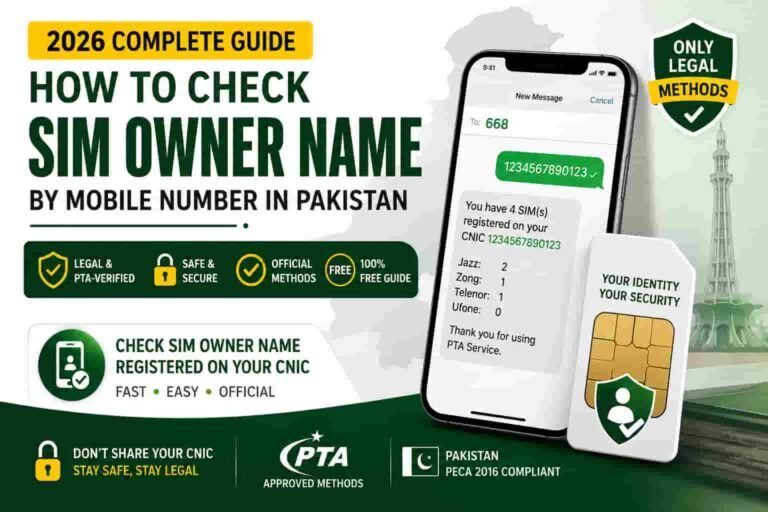
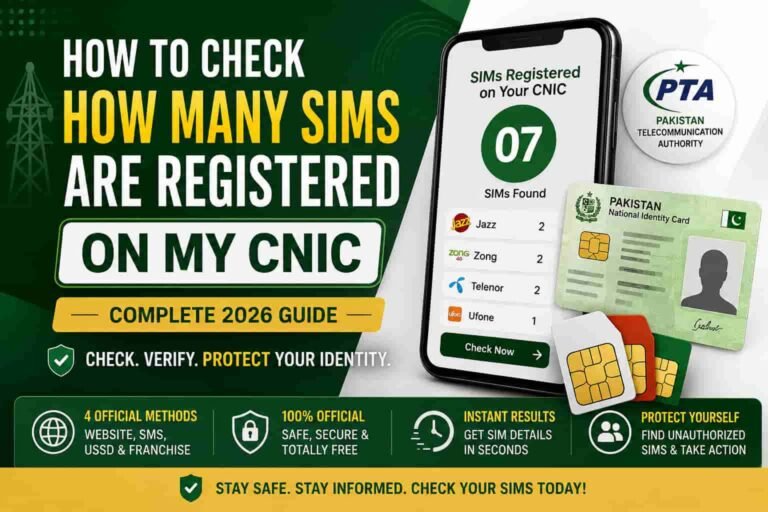
This is the most comprehensive method and the one PTA officially recommends to all Pakistani mobile users. It shows every SIM registered across all networks on your CNIC — not just Ufone.
- Open Messages
Launch your Messages app.
- Type your 13-digit CNIC without dashes
Example: 4220112345671
- Send to 668
You receive a reply within 60 seconds listing every SIM tied to your CNIC across all networks.
Sample reply format: “Dear Customer, 3 SIMs are registered on your CNIC: 0333-XXXXXXX (Ufone), 0301-XXXXXXX (Jazz), 0345-XXXXXXX (Telenor). For details visit cnic.sims.pk.”
This method costs approximately Rs. 2 including tax.
Method 5: PTA Portal — cnic.sims.pk (Online, Printable)
The official PTA web portal for SIM ownership verification — completely free and accessible from anywhere in the world.
- Go to cnic.sims.pk
Open any browser and navigate to cnic.sims.pk.
- Enter your CNIC
Type your CNIC number without dashes.
- Complete the captcha and submit
A structured table appears showing all SIM numbers on your CNIC, by operator, activation date, and status — active, blocked, or suspended.
This is the only method that produces printable documentation — useful if you need to report a fraudulent SIM to police, a bank, or any legal authority.
Method 6: Call Ufone Helpline 333
For human assistance, to correct wrong registration details, or to escalate a problem — call 333 directly from your Ufone number. The helpline is free and available 24/7. After basic identity verification, the agent can confirm your SIM’s registered owner name, CNIC, biometric status, and activation date, and can start a SIM disowning request or flag any unauthorized SIM on your account.
How to Check Your Active Ufone Package
Checking your current active package is a separate process from checking SIM ownership. Here are all the working codes for 2026.
Remaining Internet MBs and Data Validity
Dial *706# from your Ufone number. A flash message appears showing your remaining data, bundle validity, and package name. This works on all Ufone prepaid SIMs.
Remaining Call Minutes
Dial *707# to see your remaining voice minutes. You can also dial *336*2*4# for a detailed breakdown of your remaining messages.
Remaining SMS
Send a blank SMS to 606. Ufone replies instantly with your remaining text count.
Active Package Name and Full Resource Summary
Dial *3336# and select “My Packages” from the menu. This shows the package name, remaining resources, and the exact expiry date and time.
USSD codes may carry a small charge of Rs. 0.12 to Rs. 0.20 plus applicable tax per query. For completely free package checks every time, use the UPTCL App — covered in the section below.
How to Check Ufone Balance
Prepaid Main Balance
Dial *124# from your Ufone SIM. Your remaining main balance appears on screen within a few seconds. The result also shows any bonus balance from active packages separately.
Alternative — Send SMS
Send BAL to 6600. Ufone replies with your current balance details by SMS.
Free Balance Check via UPTCL App
Use the UPTCL App (formerly My Ufone App). Log in with your Ufone number and your balance, data, and minutes all appear on the home screen in real time — no codes, no charges at all.
For Postpaid Users
Postpaid users should check their current bill and usage through the UPTCL App or call 333 for billing information from an agent.
U-Paisa Connection
If your Ufone SIM is linked to U-Paisa, your balance information is also visible inside the U-Paisa app dashboard. Linking your SIM identity securely to a mobile wallet is one of the most important steps for financial safety — if your SIM is compromised, your wallet may be too.
All Ufone SIM Data Check Codes — Quick Reference
| What to Check | Code or Method | Cost |
|---|---|---|
| SIM owner name (current SIM only) | SMS “MNP” to 667 | Free |
| Biometric verification status (USSD) | Dial *336# → Option 1 | Free |
| Biometric verification status (SMS) | Send V to 7911 | Free |
| All SIMs on CNIC across all networks | SMS CNIC to 668 | ~Rs. 2 |
| All SIMs on CNIC online with printout | cnic.sims.pk | Free |
| Main balance prepaid | Dial *124# | Rs. 0.12 + tax |
| Main balance by SMS | Send BAL to 6600 | Free |
| Remaining internet MBs and validity | Dial *706# | Small charge |
| Remaining call minutes | Dial *707# | Small charge |
| Active package name and expiry | Dial *3336# → My Packages | Free |
| Remaining SMS | Send blank SMS to 606 | Free |
| Own Ufone number (zero balance works) | Dial *780*3# or *1# | Free |
| Human support and corrections | Call 333 | Free from Ufone |
How to Check Ufone SIM Data via UPTCL App
The UPTCL App — formerly known as My Ufone App — is the most complete way to see all your Ufone SIM data in one place. It gives you a unified dashboard for mobile and broadband management.
Getting Started
- Download the app
Search for “UPTCL” or “My Ufone” on the Google Play Store or Apple App Store and install it.
- Log in with your Ufone number
Open the app and enter your Ufone number to begin.
- Verify with OTP
You receive a one-time password by SMS. Enter it to complete verification.
- Access your full SIM profile
Once logged in, your complete SIM profile appears on the home screen in real time.
What You Can See Inside the App
| Information | Available |
|---|---|
| Registered owner name linked to your SIM | Yes |
| CNIC attached to your account | Yes |
| SIM activation date | Yes |
| Active package name, remaining resources, expiry | Yes |
| Main balance in real time | Yes |
| Remaining data MBs, call minutes, SMS count | Yes |
| Usage history by app | Yes |
| U-Paisa wallet status and linkage | Yes |
The UPTCL App charges no inquiry fee for any of these checks. If you look at your balance or package daily, the app saves you money on per-check USSD charges.
Ufone SIM Limit Per CNIC in 2026
As of 2026, every CNIC in Pakistan can hold a maximum of 8 SIMs total across all networks — 5 voice SIMs and 3 data SIMs. This limit was set by the Supreme Court of Pakistan on 5 November 2015 and remains in force.
PTA also introduced a 365-day SIM disowning rule in May 2026. A newly activated SIM cannot be formally disowned or transferred for one full year. The only exception is proven fraudulent issuance, where the process can begin immediately with proper documentation.
If your 668 check or cnic.sims.pk result shows more SIMs than you recognise, act straight away. Unknown SIMs are a serious security risk.
Frequently Asked Questions
How do I check Ufone SIM owner name for free?
Send the word “MNP” to 667 from your Ufone SIM. You get back the registered owner name and a partially masked CNIC at no charge. For a full CNIC-wide check across all networks, visit cnic.sims.pk — also completely free.
What is the Ufone balance check code?
Dial *124# for your prepaid main balance. Alternatively, send “BAL” to 6600 to get your balance by SMS. For a completely free option, use the UPTCL App.
How do I check my remaining Ufone internet MBs?
Dial *706# to see your remaining data, bundle validity, and package name.
Can I check Ufone SIM owner details by mobile number online?
No. PTA does not allow any public reverse lookup of owner information by mobile number. The 667 method only tells you about the SIM physically in your own phone, not someone else’s. Any website or app claiming otherwise is not legal or trustworthy.
How many Ufone SIMs can one CNIC have?
Up to 5 voice SIMs total across all networks per CNIC, as set by the Supreme Court ruling of 5 November 2015, plus up to 3 data SIMs.
Is the UPTCL App free to use for balance checks?
Yes. Checking your balance, package details, or remaining data through the UPTCL App carries no USSD inquiry charges.
What does “Not Verified” mean on the *336# biometric check?
It means your Ufone SIM has not completed biometric verification. PTA can suspend unverified SIMs as part of its enforcement campaigns. Visit any Ufone franchise with your original CNIC to fix this quickly.
How do I find my Ufone number if I forgot it?
Dial *780*3# or *1# from your Ufone SIM. Your number appears on screen instantly, even if you have zero balance.
What is *3336# used for on Ufone?
Dial *3336# and select “My Packages” from the menu to see which package is currently active on your SIM, how many resources remain, and when it expires.