cnic.sims.pk: How to Check Your CNIC’s Registered SIMs Online
One web form shows you exactly how many SIMs sit under your CNIC, right in your browser. Here is how the official portal works, step by step.
cnic.sims.pk Result
What cnic.sims.pk actually is
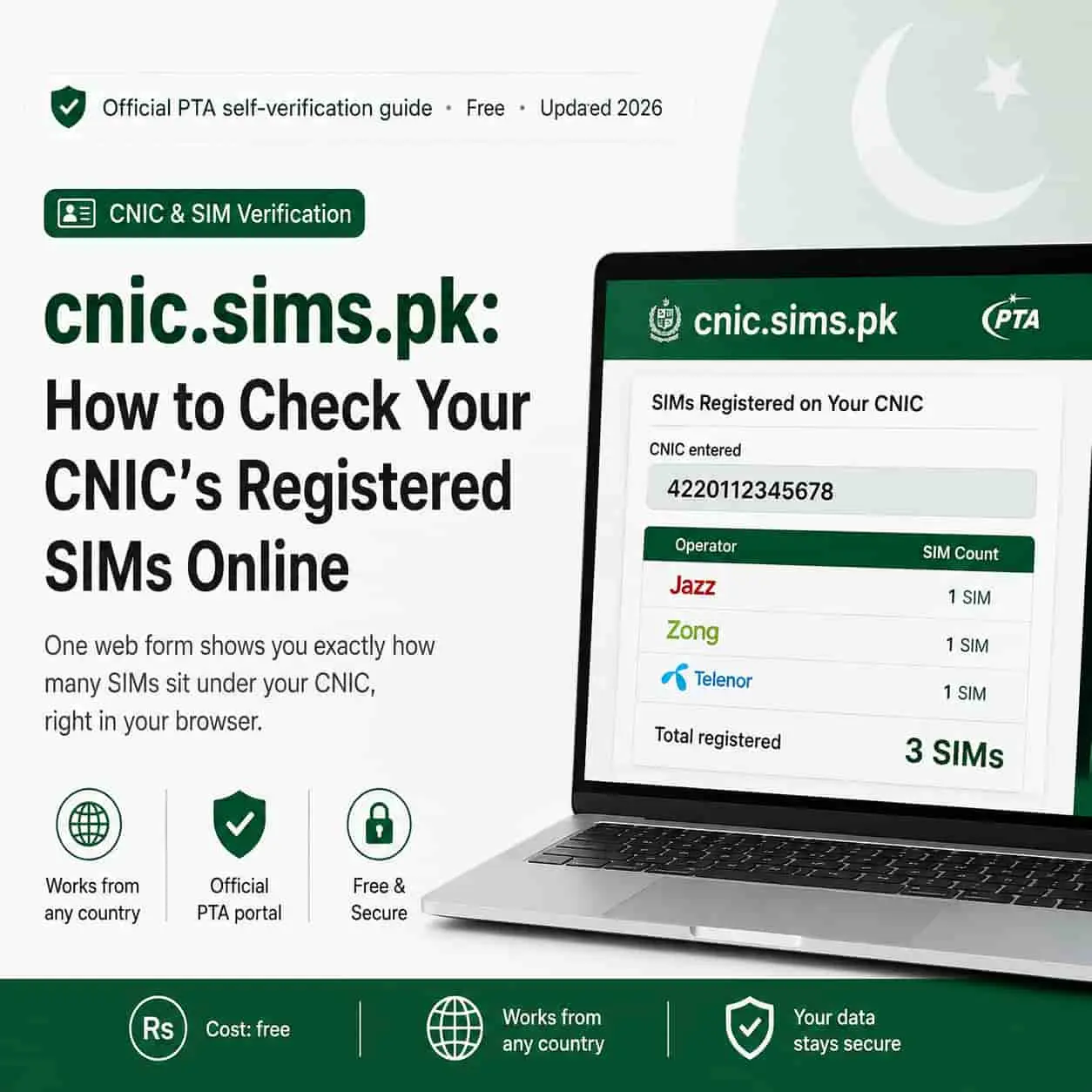
cnic.sims.pk is PTA’s official web portal for the same SIM Information System that powers the 668 SMS check. Instead of a text message, you get your result as a table, right on screen.
The portal reads from PTA’s central subscriber registry, so it shows the same data as 668, just in a different format. You enter your own CNIC, NICOP, or POC number, and the system returns your own record, nothing more.
This makes it the go-to option whenever SMS is not convenient. You are on a laptop, you do not want to spend SMS credit, or you are simply outside Pakistan and cannot send to a local shortcode.
Step-by-step: using the portal
The whole check takes under a minute, and you do not need an account, an app, or a download.
- Open cnic.sims.pk
Type the address directly into your browser. Avoid clicking links from ads or unfamiliar posts.
- Enter your identity number
Type your 13-digit CNIC, or your NICOP or POC number if you hold one, with no dashes or spaces.
- Complete the CAPTCHA
This step confirms you are a real visitor and not an automated script.
- Submit and review
Click submit, and the portal displays a table of every SIM tied to that identity, sorted by operator.
Prefer texting instead? Our companion guide covers the 668 SMS method in the same amount of detail.
How to read your result
The table looks simple, but each column tells you something specific.
| What you see | What it means |
|---|---|
| Operator name | Which network, such as Jazz, Zong, Telenor, or Ufone, the SIM belongs to. |
| SIM count per operator | How many active connections you hold with that specific network. |
| Total count | Every SIM tied to your CNIC, added up across all networks. |
Match the total against the SIMs you actually use day to day. A clean match means you are done. A mismatch means it is time to track down the extra registration.
Checking your SIMs from abroad
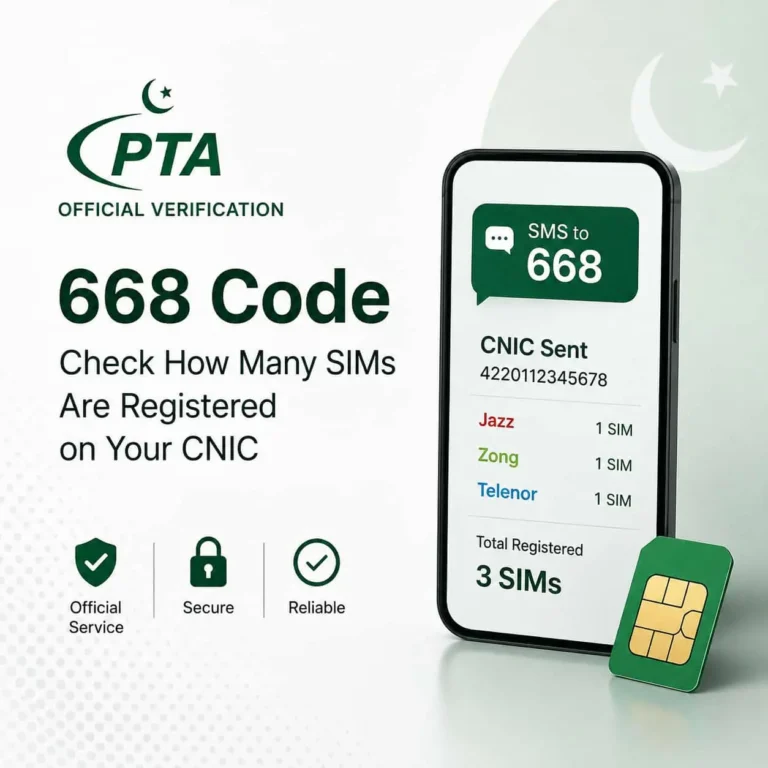
This is where the portal genuinely outperforms the SMS method. The 668 code needs a live Pakistani SIM to send from, which is not always practical once you have left the country.
cnic.sims.pk, on the other hand, only needs a working internet connection. Consequently, an overseas Pakistani in Dubai, London, or anywhere else can open a browser and run the exact same check as someone sitting in Lahore.
Good habit: Run this check right after every trip home, since that is typically when new SIMs get issued in a hurry at the airport or a local shop.
cnic.sims.pk vs 668: which to use
Both tools pull from the same registry, so neither one gives you more accurate data than the other. The choice really comes down to convenience.
| Situation | Better option |
|---|---|
| No internet, basic phone | 668 SMS |
| Outside Pakistan | cnic.sims.pk |
| Want a printable, on-screen table | cnic.sims.pk |
| Fastest possible check on the go | 668 SMS |
There is no harm in running both from time to time either, since a second confirmation never hurts when your identity is on the line.
Common portal errors and fixes
Government web portals occasionally hit traffic spikes, and cnic.sims.pk is no exception. Here is how to handle the usual hiccups.
Page not loading: Wait a few minutes and refresh. If it stays down, use the 668 SMS code, since it reads from the same registry.
Double-check your CNIC entry too. A single missing digit or an accidental dash is the most common reason people get a blank or an error result. Retyping it carefully solves this in most cases.
Fake “SIM check” sites to avoid
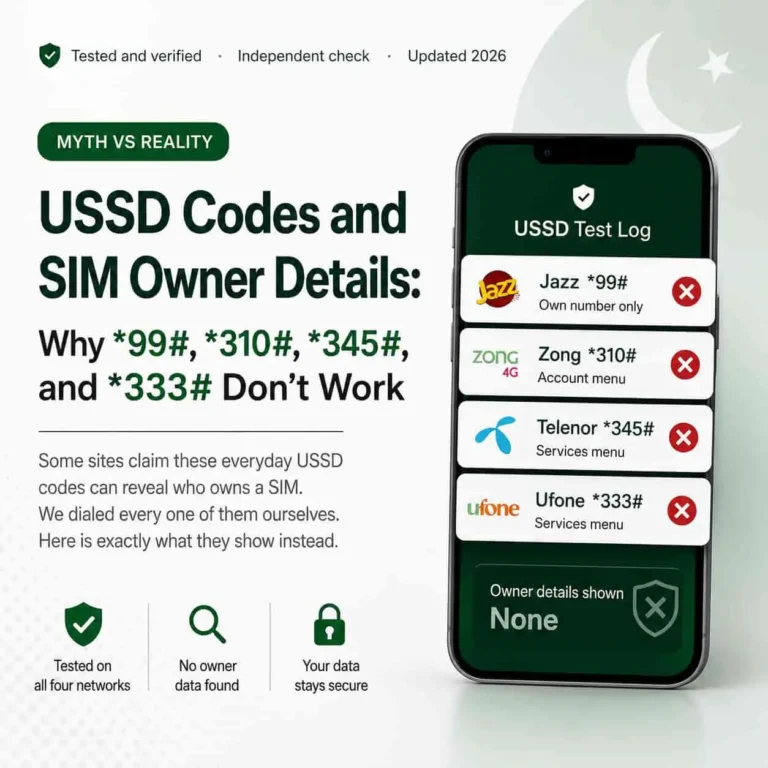
Search for “cnic sim check” and several lookalike domains show up alongside the real one. Treat any site other than cnic.sims.pk with suspicion.
PTA never asks for payment to run this check, and it never returns another person’s private details from a stranger’s phone number. If a site does either of those things, it is not an official channel, regardless of how official it looks.
Stay safe: Bookmark the real cnic.sims.pk address once, and never enter your CNIC on a copycat site that promises extra data for a fee.
Want more official telecom guides like this one?
sim.net.pk covers PTA verification, SIM registration limits, and mobile fraud protection for Pakistani users, all sourced from official channels.
Browse more guides on sim.net.pkFrequently asked questions
Is cnic.sims.pk free to use?
Yes. The portal is a free official PTA service. It does not charge a fee, and it does not require an account, an app, or a login.
Can overseas Pakistanis use cnic.sims.pk?
Yes. Unlike the 668 SMS method, which needs a Pakistani SIM to send from, the web portal works from any browser and any country, since it only needs an internet connection.
What is the difference between cnic.sims.pk and 668?
Both pull from the same PTA registry and return the same SIM count. The 668 SMS code works on any phone without internet, while cnic.sims.pk needs a browser and internet access but works from anywhere in the world.
Why does cnic.sims.pk sometimes not load?
Like any government web portal, cnic.sims.pk can face heavy traffic or short downtime. If it does not load, the 668 SMS code checks the exact same PTA registry as a reliable fallback.
Sources
- Pakistan Telecommunication Authority, official SIM verification guidance — pta.gov.pk
- PTA CNIC SIM Information System, official web portal — cnic.sims.pk
- National Database and Registration Authority (NADRA), CNIC identity services — nadra.gov.pk
- Prevention of Electronic Crimes Act (PECA) 2016, National Assembly of Pakistan — na.gov.pk