USSD Codes and SIM Owner Details: Why *99#, *310#, *345#, and *333# Don’t Work
Some sites claim these everyday USSD codes can reveal who owns a SIM. We dialed every one of them ourselves. Here is exactly what they show instead.
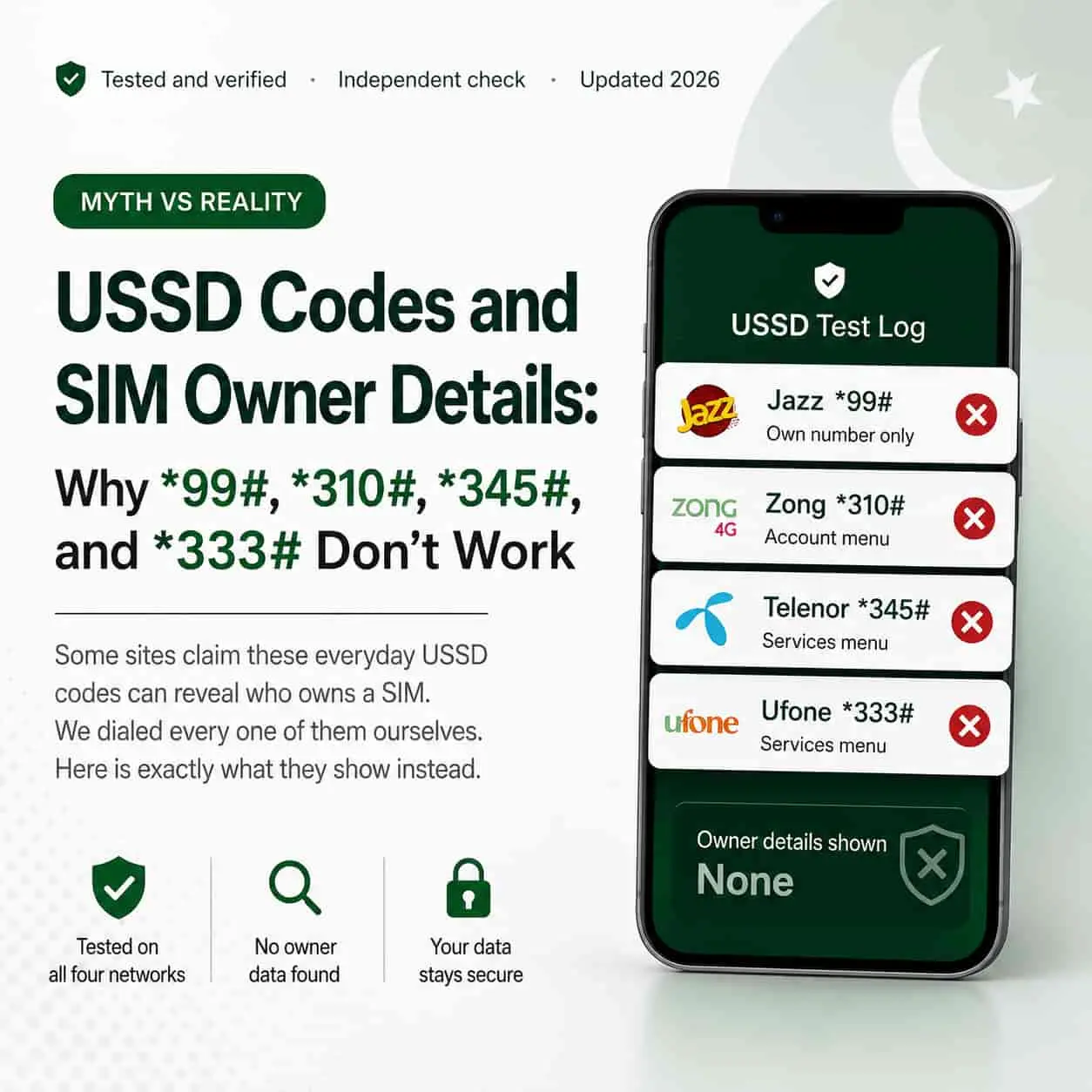
USSD Test Log
The claim going around
A handful of “SIM owner details” websites tell readers to dial specific USSD codes to instantly find out who owns any phone number. It is a tidy story, and it spreads fast, but it does not hold up once you actually test it.
We picked the exact codes these sites mention most often, one for each major operator, and dialed every single one. Not one of them returned a name, a CNIC, or any identity information, for our own number or anyone else’s.
Below, we walk through each code individually, so you can see precisely what happens the moment you dial it.
What a USSD code actually is
USSD stands for Unstructured Supplementary Service Data. In plain terms, it is a short, real-time menu system your operator built for quick account tasks, things like checking your balance, buying a bundle, or managing a service, all without needing internet.
Every operator in Pakistan runs its own set of USSD codes: Jazz, Zong, Telenor, Ufone, SCOM, and ONIC. Each code is scoped to a specific function that the operator programmed, and that function never includes handing over a third party’s registration details. USSD menus are built for self-service, not for identity lookups.
Jazz *99# — tested and explained
Dial *99# on a Jazz SIM, and the screen shows exactly one thing: your own 11-digit phone number. That is the entire function of this code.
It exists purely as a quick way to check your own number when you have forgotten it, for example after switching SIMs. It has no connection whatsoever to CNIC data, ownership records, or anyone else’s information.
Zong *310# — tested and explained
Zong’s *310# opens an account information menu. From there, you can view your balance, your active packages, and current offers available on your line.
Nowhere in that menu does an option appear for checking ownership, CNIC details, or any other subscriber’s data. It is strictly an account self-service tool, the same category as a balance-check code.
Telenor *345# — tested and explained
Dialing *345# on Telenor opens the operator’s general services menu. Inside, you will find balance information, package options, and other standard account features.
Just like the Zong code above, this menu has no branch that reveals who owns a SIM. It manages your own account, and nothing beyond that.
Ufone *333# — tested and explained
Ufone’s *333# code opens the SIM services menu, covering balance checks, package subscriptions, and account settings.
Once again, ownership lookup is simply not a feature this menu offers, on Ufone or on any other network. Every operator built these codes around the same purpose: helping you manage your own line quickly.
What about SCOM and ONIC
SCOM, which serves Azad Jammu and Kashmir and Gilgit-Baltistan, runs its own account menu through a dedicated USSD code as well, again limited to balance and package information. ONIC, the digital-first brand operating on Ufone’s network, leans mainly on its own app for account management rather than a single fixed USSD code.
The pattern holds across every operator in the country. USSD exists to serve the account holder, not to expose anyone’s identity to someone else.
Why no USSD code can reveal ownership
USSD sits entirely within an operator’s own billing and account system. It was never designed to talk to PTA’s national subscriber registry, which is the actual database that links a SIM to a CNIC.
The key distinction: USSD codes run on operator infrastructure for account tasks. SIM-to-CNIC verification runs on PTA’s separate national registry, reachable only through PTA’s own official channels.
Consequently, no operator USSD menu has the technical ability to pull CNIC or ownership data, even if a site claims otherwise. The two systems are built separately, on purpose, precisely to keep subscriber identity data protected.
The only official way to check SIM details
If you actually want to know how many SIMs sit under your own CNIC, PTA gives you two genuine, free options.
| Method | What it needs |
|---|---|
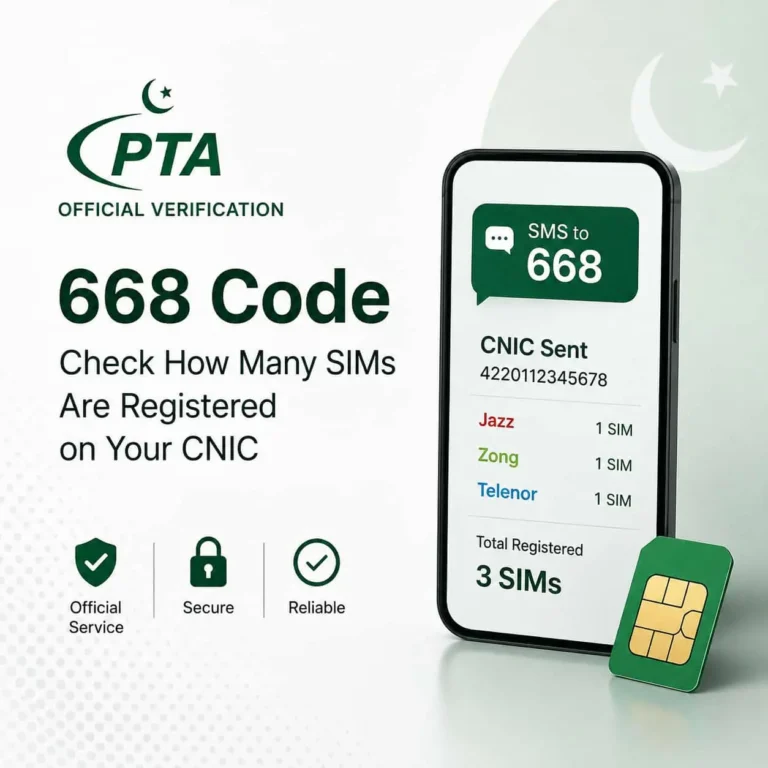
| 668 SMS code | Any phone, any Pakistani network |
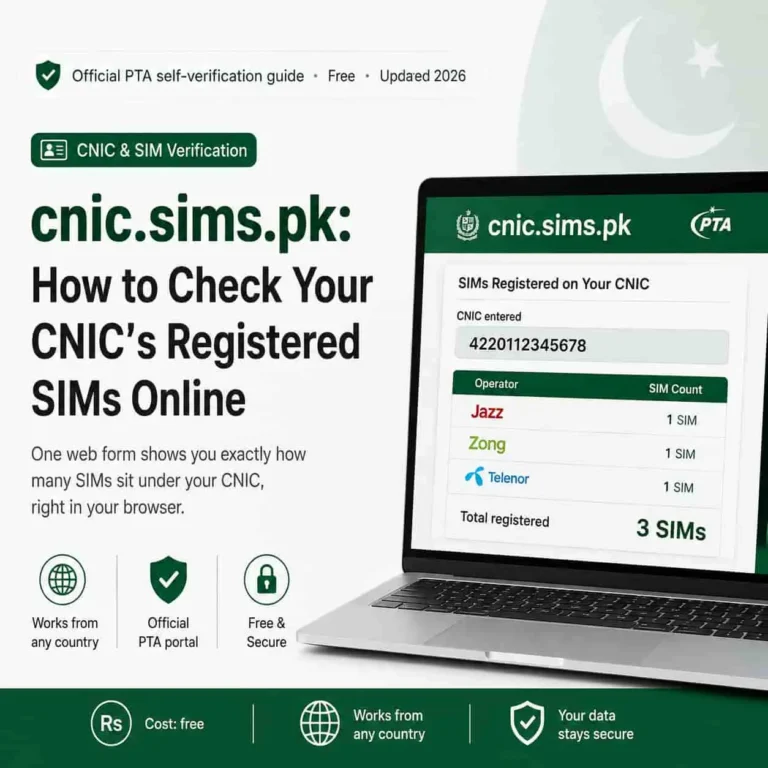
| cnic.sims.pk portal | Any browser, works from any country |
Both draw from the same PTA registry, and both only ever return your own record. Neither one, and no USSD code either, will show you who owns someone else’s number.
Stay safe: Any site claiming a USSD shortcut to someone else’s SIM owner details is spreading a myth, not a method. Stick to the two official channels above.
Want more official telecom guides like this one?
sim.net.pk covers PTA verification, SIM registration limits, and mobile fraud protection for Pakistani users, all sourced from official channels.
Browse more guides on sim.net.pkFrequently asked questions
Can Jazz USSD code *99# show SIM owner details?
No. Dialing *99# on Jazz only displays your own 11-digit phone number on screen. It does not show a name, CNIC, or any owner information, for your own number or anyone else’s.
What does Zong *310# actually do?
Zong’s *310# opens an account information menu covering balance, active packages, and offers. It has no function related to checking who owns a SIM.
Does Telenor *345# reveal SIM ownership?
No. *345# opens Telenor’s general services menu for balance, packages, and account options. It carries no owner-lookup feature.
Is there any real USSD code for SIM owner details in Pakistan?
No official USSD code from any Pakistani operator reveals another person’s SIM owner details. The only official self-check methods are PTA’s 668 SMS code and the cnic.sims.pk web portal, and both only return the sender’s own registration record.
Sources
- Jazz official services and USSD menu — jazz.com.pk
- Zong official services and USSD menu — zong.com.pk
- Telenor Pakistan official services menu — telenor.com.pk
- Ufone official services and USSD menu — ufone.com
- Pakistan Telecommunication Authority, official SIM verification guidance — pta.gov.pk