CNIC Information Online: Complete Verification Guide for Pakistan
Check your CNIC information online through NADRA’s official portals, SMS service, and PTA’s SIM verification system — every legal and working method for 2026.
Quick Methods
What Is CNIC Information Online?
CNIC information online means using NADRA’s official digital services to verify your Computerized National Identity Card details — without visiting an office in person.
Your CNIC is Pakistan’s most important identity document. It is linked to your bank accounts, SIM cards, property records, tax filings, and mobile wallets like JazzCash and Easypaisa. Keeping your CNIC information accurate and secure is not optional — it is the foundation of your entire financial and legal identity in Pakistan.
There are two main categories of CNIC information you may need to check online. The first is your own CNIC record — verifying that the details NADRA holds match your actual information, or tracking the status of a new or renewed card. The second is your CNIC’s digital footprint — specifically which SIM cards across all Pakistani telecom networks are currently registered in your name. For a detailed SIM registration check, see our guide to SIMs registered on your CNIC.
This guide covers only legal, official methods. NADRA does not allow any public lookup of another person’s CNIC details by name or number. Any website claiming to offer this service is operating illegally and almost certainly running a data theft or fraud operation.
Method 1: NADRA Official Online Portal
NADRA’s official website at nadra.gov.pk is the primary source for checking your CNIC information online. The portal allows you to verify your card’s current status, check whether your application has been processed, and access several citizen services without an in-person visit.
What the NADRA Portal Lets You Do
| Service | Available Online | Fee |
|---|---|---|
| Check CNIC application status | Yes | Free |
| Track CNIC delivery status | Yes | Free |
| Verify CNIC validity (own card) | Yes | Free |
| Apply for CNIC renewal online | Yes | Paid |
| Apply for NICOP (overseas) | Yes | Paid |
| Update address or marital status | Partial (form only) | Paid |
| View another person’s CNIC details | No — illegal | N/A |
How to Check Your CNIC Status on the NADRA Portal
- Go to nadra.gov.pk
Open any browser and navigate to nadra.gov.pk. The website works on both mobile and desktop.
- Find the “Track Application” or “Verify CNIC” section
Look for the citizen services or e-services menu. The exact label changes with site updates but is always on the homepage.
- Enter your 13-digit CNIC number
Type your full CNIC without dashes. Example: 4220112345671
- Complete the verification step
NADRA may ask for your date of birth or a captcha to confirm your identity before displaying results.
- View your CNIC information
The result shows your CNIC’s current status — active, expired, blocked, or under processing — along with expected delivery date if a new card was applied for.
NADRA’s portal is occasionally down for maintenance. If the site does not load, try the Pak Identity App or the SMS method covered below — both provide the same status information.
Method 2: Pak Identity App (NADRA Official App)
The Pak Identity app is NADRA’s official mobile application, available on both Android and iOS. It is the most convenient way to access your CNIC information online from your smartphone — faster and more reliable than the web portal on mobile devices.
What the Pak Identity App Offers
The app gives you a full suite of CNIC-related services: checking your card’s status and delivery tracking, applying for renewal or a new CNIC from home, booking an appointment at your nearest NADRA office, checking your family registration certificate (FRC) details, and accessing your NICOP status if you are an overseas Pakistani.
All services inside the app require biometric or OTP verification to confirm you are the card holder — this protects your CNIC information from being viewed by anyone other than you.
How to Get Started with Pak Identity
- Download the app
Search for “Pak Identity” on the Google Play Store or Apple App Store. Only install the official NADRA-published version.
- Register with your CNIC number
Enter your 13-digit CNIC number and the mobile number registered with NADRA for your record.
- Verify with OTP
A one-time password is sent to your registered number. Enter it to confirm your identity.
- Access your CNIC information
Your card status, validity date, and available services appear on the home screen dashboard.
If the OTP does not arrive, it means the mobile number on your NADRA record is different from the SIM you are currently using. In this case, visit a NADRA office in person with your original CNIC to update your registered number first.
Method 3: NADRA CNIC Verification via SMS
The SMS method is the simplest way to check basic CNIC information online — or offline, since it works on any mobile phone including basic keypad phones with no internet required.
How to Check CNIC Status by SMS
- Open your Messages app
Works on any phone — smartphone or basic keypad.
- Type your 13-digit CNIC number
Enter the number without dashes. Example: 4220112345671
- Send to 7000
Send the SMS to 7000. A reply arrives within 60 seconds.
The reply from 7000 confirms whether your CNIC is currently active and valid, or flagged with an issue that requires attention at a NADRA office.
This SMS service carries a small charge — approximately Rs. 2 to Rs. 3 per query including tax. It is the fastest method when the NADRA portal or Pak Identity app is not accessible.
What the SMS Reply Tells You
| SMS Reply | What It Means |
|---|---|
| CNIC is valid and active | Your card is current and accepted by all systems |
| CNIC is expired | Your card has passed its 10-year validity — renewal required |
| CNIC not found | The number entered may have a typo, or the card was never issued |
| CNIC is blocked | The card has been flagged — visit NADRA office with original documents |
Method 4: Check SIMs Linked to Your CNIC (PTA)
One of the most important uses of CNIC information online in Pakistan is verifying which SIM cards are registered in your name across all telecom networks. This is handled not by NADRA but by the Pakistan Telecommunication Authority (PTA) — and it directly uses your CNIC number as the lookup key.
PTA provides two official methods for this check. You can also follow our complete SIM information guide for related SIM verification methods.
Option A: SMS Your CNIC to 668
Open your Messages app, type your 13-digit CNIC number without dashes, and send to 668. Within 60 seconds you receive a complete list of all SIM numbers registered on your CNIC across every Pakistani network — Jazz, Telenor, Ufone, Zong, and SCOM.
Sample reply: “Dear Customer, 3 SIMs are registered on your CNIC: 0333-XXXXXXX (Ufone), 0301-XXXXXXX (Jazz), 0345-XXXXXXX (Telenor). For details visit cnic.sims.pk.”
This service costs approximately Rs. 2 including tax.
Option B: PTA Portal — cnic.sims.pk (Free, Printable)
- Go to cnic.sims.pk
Open any browser and visit cnic.sims.pk — the official free PTA portal.
- Enter your 13-digit CNIC without dashes
The portal accepts any valid Pakistani CNIC number.
- Complete the captcha
This confirms you are a human user, not an automated scraper.
- View and save your results
A structured table appears showing every SIM on your CNIC, the operator, activation date, and current status — active, blocked, or suspended. You can print this page as an official record.
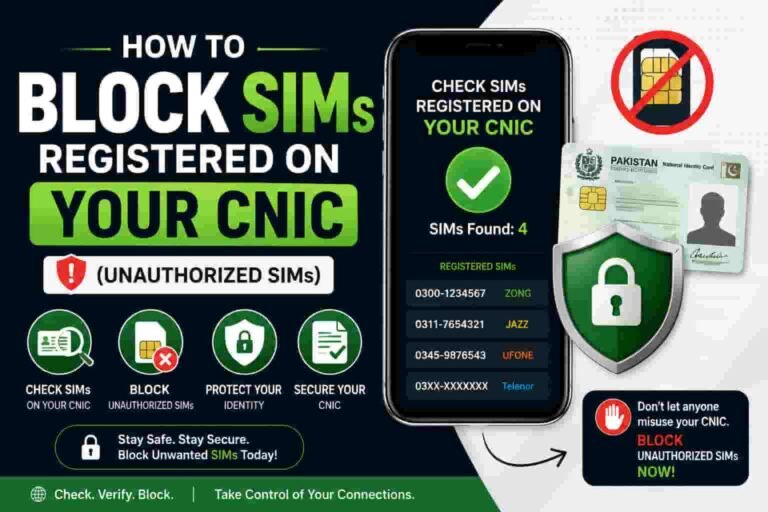
If you see a SIM number you do not recognise, act immediately. An unknown SIM registered on your CNIC is a serious identity and financial security threat. Read our full guide on how to block SIMs on your CNIC for the exact steps to take.
See all SIMs on your CNIC right now
Our detailed guide walks you through every method for checking and securing SIM registrations tied to your identity.
Check SIMs on Your CNIC →What You Can and Cannot Check Online
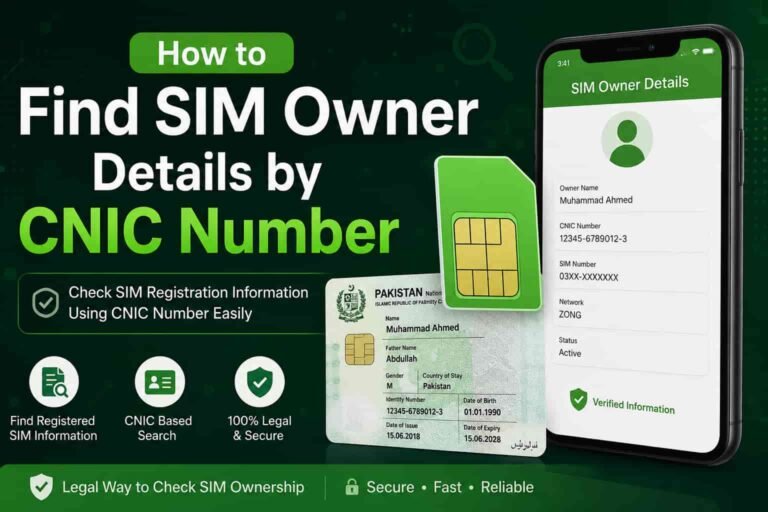
A lot of confusion exists about what CNIC information online actually means. This table clears it up clearly. If you want to verify SIM ownership information, see our SIM owner details by CNIC guide.
| What You Want to Know | Can You Check Online? | How |
|---|---|---|
| Your own CNIC validity and status | Yes | nadra.gov.pk, Pak Identity App, SMS to 7000 |
| Your CNIC application or renewal status | Yes | nadra.gov.pk, Pak Identity App |
| SIMs registered on your CNIC | Yes | SMS CNIC to 668, cnic.sims.pk |
| Your CNIC’s registered address or family details | Partial — own record only | Pak Identity App (after biometric login) |
| Another person’s CNIC details by number | No — illegal | Not available anywhere legally |
| A person’s name from their CNIC number | No — illegal | Restricted to law enforcement only |
| Whether a CNIC number is genuine or fake | Limited | NADRA verification API (businesses only, paid) |
Any website or app claiming to show you another person’s full name, address, or family details from their CNIC number is either running a scam or has obtained that data illegally. Under the Protection of Pakistan Act and PECA 2016, accessing another person’s identity records without authorization carries serious criminal penalties.
NADRA Fees and Charges for CNIC Services
Online status checks and SIM verification are free or carry minimal SMS charges. Actual CNIC services — renewals, corrections, duplicates — carry government fees. Here is the current breakdown for 2026.
| Service | Normal Fee | Urgent Fee | Executive Fee |
|---|---|---|---|
| New CNIC (first issuance) | Rs. 750 | Rs. 1,500 | Rs. 3,000 |
| CNIC renewal (before expiry) | Rs. 750 | Rs. 1,500 | Rs. 3,000 |
| CNIC renewal (after expiry) | Rs. 750 | Rs. 1,500 | Rs. 3,000 |
| Duplicate CNIC (lost or damaged) | Rs. 1,500 | Rs. 2,500 | Rs. 4,500 |
| CNIC correction (data change) | Rs. 750 | Rs. 1,500 | Rs. 3,000 |
| CNIC status check (online) | Free | — | — |
| SIM check via 668 SMS | ~Rs. 2 | — | — |
| SIM check via cnic.sims.pk | Free | — | — |
Normal processing takes 30 working days. Urgent takes 7 working days. Executive takes 2 working days. Fees are payable at any NADRA office, via the Pak Identity app, or at designated bank branches. Verify the latest fee schedule at nadra.gov.pk before visiting, as these are subject to revision.
Lost or Expired CNIC: What to Do Online
If your CNIC is lost, stolen, or expired, you can begin the process online — though you will need to visit a NADRA office in person to complete biometric verification before a new card is issued.
For a Lost or Stolen CNIC
- File a police report (FIR)
A police FIR for a lost CNIC protects you from identity fraud. Keep a copy — you will need it at the NADRA office.
- Check SIMs on your CNIC immediately
Send your CNIC number to 668 or visit cnic.sims.pk to check if any SIMs are registered in your name that you do not recognise. A lost CNIC can be misused to register SIMs or open mobile accounts. If you find an unauthorized connection, follow our guide to block SIMs registered on your CNIC.
- Apply for a duplicate CNIC via Pak Identity App or nadra.gov.pk
Start your application online to save time. Select “Duplicate CNIC” as the reason and upload the FIR copy if prompted.
- Visit your nearest NADRA office
Bring your FIR copy, two passport photos, and any supporting documents. Biometric fingerprints are required in person to complete the duplicate issuance.
For an Expired CNIC
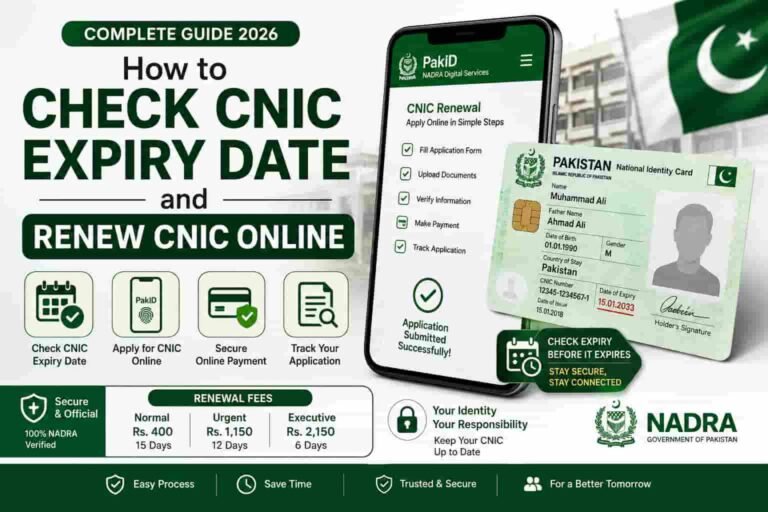
A CNIC is valid for 10 years from the date of issuance. After expiry, it is not accepted for banking, SIM registration, property transactions, or travel. Renewal is straightforward — apply online via the Pak Identity App or nadra.gov.pk, pay the renewal fee, and visit the NADRA office for fingerprints. Your old CNIC number remains the same after renewal. Before or after renewal, it is also a good idea to check the SIMs registered on your CNIC.
An expired CNIC still contains your valid identity number. However, using an expired CNIC for official transactions — banking, SIM registration, property — can lead to rejections or complications. Renew as soon as possible after expiry.
Frequently Asked Questions
How can I check my CNIC information online for free?
Visit nadra.gov.pk or use the Pak Identity App to check your CNIC status at no charge. To check which SIMs are registered on your CNIC across all networks, visit cnic.sims.pk — also completely free.
Can I check another person’s CNIC details online?
No. NADRA does not allow any public lookup of another person’s CNIC information. Accessing someone else’s identity record without authorization is illegal under PECA 2016 and the Protection of Pakistan Act. Any website claiming to offer this is running a scam or operating illegally.
What is the SMS code to check CNIC status?
Send your 13-digit CNIC number (without dashes) to 7000. The reply tells you whether your CNIC is active, expired, or blocked. A small SMS charge of approximately Rs. 2 to Rs. 3 applies.
What should I do if I find an unknown SIM on my CNIC?
Take a screenshot of the 668 SMS reply or cnic.sims.pk results as dated evidence. Then call the relevant network’s helpline to request an emergency block, visit their franchise for an in-person SIM disowning with your original CNIC, and file a complaint at complaint.pta.gov.pk. If identity fraud occurred, also report to NADRA at nadra.gov.pk. You can also read our step-by-step guide to blocking unauthorized SIMs.
How long does CNIC renewal take in Pakistan?
Normal processing takes 30 working days. Urgent processing (higher fee) takes 7 working days. Executive processing takes 2 working days. Track your application status in real time through the Pak Identity App or nadra.gov.pk after applying.
Is the Pak Identity App official?
Yes. Pak Identity is NADRA’s official mobile application, published by the National Database and Registration Authority. Only download it from the official Google Play Store or Apple App Store listing by NADRA Pakistan. Avoid any third-party copies or unofficial APK files.
Can I apply for a new CNIC completely online?
You can start the application online through nadra.gov.pk or the Pak Identity App — selecting your category, uploading documents, paying the fee, and booking an appointment. However, you must visit a NADRA office in person to complete biometric fingerprint verification before the card is issued. There is no fully remote CNIC issuance process.
What is the NADRA helpline number?
The NADRA toll-free helpline is 0800-23232. It is available during NADRA office hours for queries about CNIC status, applications, and corrections.