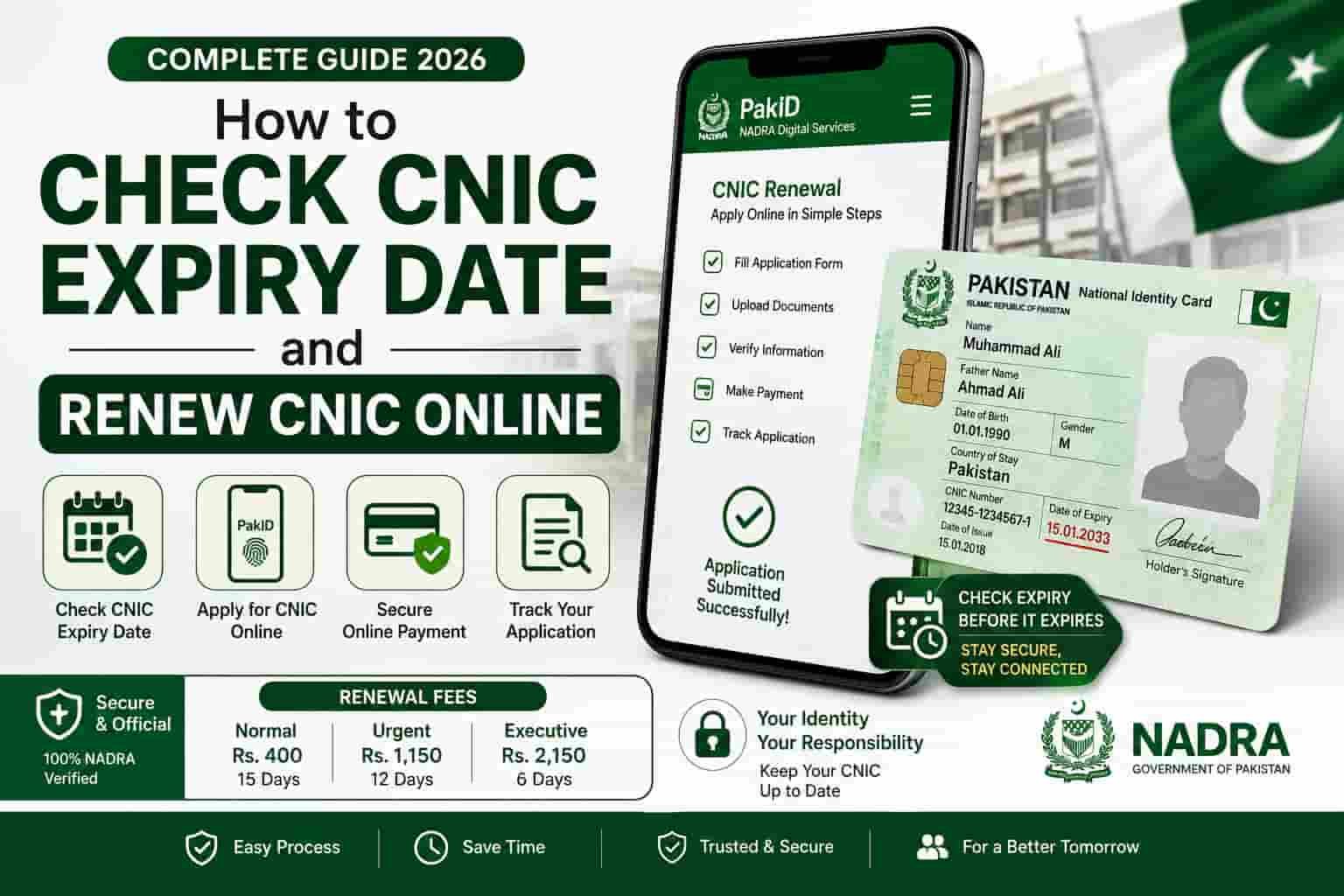
How to Check CNIC Expiry Date and Renew CNIC Online
Every CNIC issued in Pakistan expires after 10 years. This guide covers every official method to check your CNIC expiry date and complete your CNIC renewal online — step by step, verified for 2026.
At a Glance
How CNIC Expiry Works in Pakistan
Every Computerized National Identity Card issued by NADRA in Pakistan has a fixed validity period of exactly 10 years from the date of issuance. When that period ends, the card expires — and an expired CNIC stops working for almost everything.
The expiry date is printed on the back of your physical CNIC card. It is also stored in NADRA’s central database, which means you can check it remotely using official digital tools — without touching the physical card at all.
Understanding when your CNIC expires — and acting before that date — is one of the most practical things you can do for your daily life in Pakistan. Banks, telecom operators, government offices, property registrars, and passport authorities all check CNIC validity. An expired card causes rejections at every one of these touchpoints. If you also want to understand the SIM information linked to your identity record, see our SIM Information guide.
Your 13-digit CNIC number never changes — not through renewal, not through corrections, not through a lost card replacement. Only the physical card and its expiry date are updated each time you renew. The number you were assigned at first registration stays with you permanently.
How to Check Your CNIC Expiry Date
There are three ways to find out when your CNIC expires. Each works in different situations — choose the one that fits your circumstances right now.
Method 1: Check the Physical Card
The simplest method. Turn your CNIC over and look at the back. The expiry date is printed clearly on the card — usually in the format DD/MM/YYYY. If you can find your card and it is readable, this takes under five seconds.
If your CNIC card is damaged, faded, or you cannot locate it, use one of the two digital methods below. Never rely on a guess — an expired CNIC you did not know was expired causes the same problems as one you knew about.
Method 2: Check CNIC Expiry by SMS (Fastest)
This method works on any mobile phone — smartphone or basic keypad — with no internet required. It takes under 60 seconds and costs approximately Rs. 2 to Rs. 3 including tax.
- Open your Messages app
Works on any network — Jazz, Telenor, Ufone, Zong, or SCOM.
- Type your 13-digit CNIC number without dashes
Example: 4220112345671. No spaces, no dashes, just the 13 digits in a row.
- Send to 7000
The NADRA reply arrives within 60 seconds. It confirms whether your CNIC is currently active and valid, expired, or blocked — along with the expiry date where applicable.
Method 3: Check CNIC Expiry Online via nadra.gov.pk
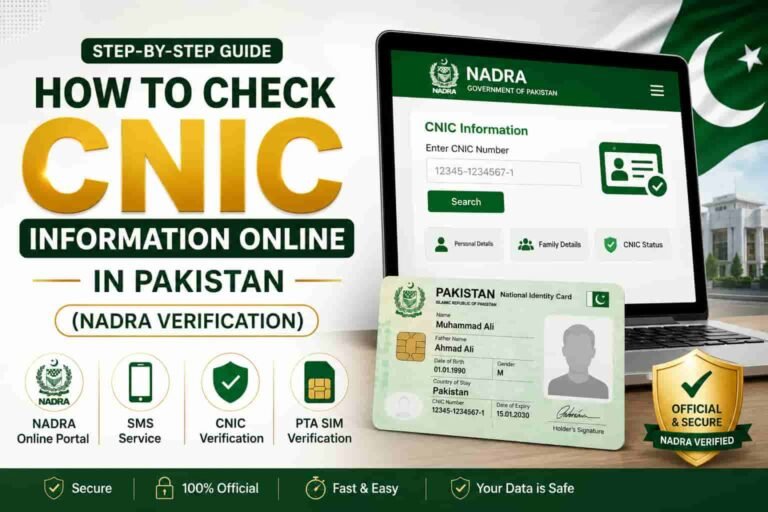
If you want the most detailed view of your CNIC record — including the exact expiry date, card status, and any pending application — use NADRA’s official web portal.
- Open nadra.gov.pk in any browser
Works on mobile or desktop. No account needed for basic status checks.
- Go to e-Services or Citizen Services
Look for “Track Application,” “Verify CNIC,” or “Check Status” on the homepage. NADRA redesigns the site periodically but these options are always accessible from the front page.
- Enter your 13-digit CNIC number
Type it without dashes. You may also be asked to enter your date of birth or complete a captcha as an identity check.
- View your card details
The result shows your CNIC status — active, expired, or blocked — along with the exact expiry date stored in NADRA’s system.
Method 4: Check via Pak Identity App
If you already have the Pak Identity App installed and your account set up, your CNIC expiry date is visible on the app’s home dashboard immediately after login — no search or input needed. This is the quickest digital method once the app is configured on your phone.
What Happens When Your CNIC Expires
An expired CNIC does not just cause minor inconvenience — it shuts you out of large parts of Pakistani civil and financial life. Understanding the consequences is the clearest reason to check and renew before the expiry date rather than after. Because your CNIC is also used for SIM registration, you can review the SIMs registered on your CNIC as part of your identity check.
| Service or Transaction | Effect of Expired CNIC |
|---|---|
| Bank account transactions | Rejected for large transactions; account may be frozen |
| Opening a new bank account | Not possible without valid CNIC |
| SIM card registration or replacement | Rejected at all telecom franchises |
| JazzCash / Easypaisa account upgrades | Blocked — KYC requires valid CNIC |
| Property purchase or sale | Registrar will not process without valid CNIC |
| Passport application or renewal | Cannot proceed without valid CNIC |
| Voter registration or biometric verification | Rejected until CNIC is renewed |
| Government job application | Application rejected at documentation stage |
| Court or legal proceedings | Document validity challenged |
| Travelling within Pakistan (flights, some checkpoints) | Expired CNIC may be refused as valid ID |
NADRA does not send expiry reminders. There is no automatic notification when your CNIC is about to expire. The responsibility is entirely yours — which is why checking your expiry date at least once a year is a sensible habit.
How to Renew CNIC Online via NADRA Portal
You can start your CNIC renewal entirely online through NADRA’s official website. The online process handles the application, document upload, fee payment, and appointment booking. You still need to visit a NADRA office once — but only for the biometric fingerprint step, not for paperwork.
- Go to nadra.gov.pk
Open the NADRA official website in any browser. Navigate to the e-Services or CNIC renewal section from the homepage.
- Create or log in to your NADRA account
First-time users register with their CNIC number and a mobile number. Returning users sign in directly. Your account keeps all your application history in one place.
- Select “CNIC Renewal”
Choose this option from the available services. If your card is expired, NADRA’s system will automatically detect the expiry status when you log in.
- Verify your existing details
Review the information currently held on your CNIC — name, date of birth, address, photo. If any details are wrong, this is the stage to flag corrections. Correcting information during renewal may require additional supporting documents.
- Choose your processing speed
Select Normal (30 working days, Rs. 750), Urgent (7 working days, Rs. 1,500), or Executive (2 working days, Rs. 3,000) depending on how quickly you need the card.
- Pay the renewal fee online
NADRA accepts payment through internet banking, debit cards, JazzCash, Easypaisa, and designated bank branches. Online payment saves you from paying at the office counter on your visit day.
- Book your NADRA office appointment
Select your nearest NADRA Registration Centre and choose an available date and time. The appointment confirmation is sent to your registered mobile number by SMS.
- Attend your appointment for biometric verification
Bring your existing (or expired) CNIC and your appointment confirmation SMS. Fingerprints are taken. Your new card is dispatched within the processing window you selected.
Completing the application and payment online before your appointment means your visit to the NADRA office takes only 10 to 15 minutes in most cases — just biometrics and you are done.
How to Renew CNIC via the Pak Identity App
The Pak Identity App is NADRA’s official mobile application for Android and iOS. It offers the same renewal process as the web portal but is faster and more convenient on a smartphone, with your CNIC details and application history saved in your account from the first login.
Setting Up Pak Identity (First Time)
- Download Pak Identity from the official app store
Search for Pak Identity on Google Play Store or Apple App Store. Install only the app published by NADRA Pakistan. Never download from third-party APK sites.
- Register with your CNIC number and registered mobile
Enter your 13-digit CNIC and the phone number currently linked to your NADRA record. An OTP is sent to that number for verification.
- Enter the OTP and access your dashboard
Your CNIC expiry date, current card status, and renewal eligibility all appear on the home screen immediately after login.
Starting the Renewal from the App
- Tap “Renew CNIC” from the services menu
The app guides you through the same steps as the portal — review details, choose processing speed, pay, and book an appointment.
- Pay the fee inside the app
The Pak Identity App accepts payment via debit card, JazzCash, and Easypaisa directly within the app flow.
- Book your appointment and attend for biometrics
Your appointment slot is confirmed by in-app notification and SMS. Attend your chosen NADRA centre on the selected date to complete fingerprint verification.
If the OTP does not arrive when setting up the app, your registered mobile number in NADRA’s system is different from the SIM you are currently using. Visit a NADRA office in person with your CNIC to update your mobile number before proceeding with the app.
Renewing at a NADRA Office (Walk-In)
If you prefer to handle everything in person — or if the online systems are not working for you — you can walk into any NADRA Registration Centre directly and complete the renewal in one visit. No prior online application is required for a walk-in renewal.
What to Bring
| Document | Required? | Notes |
|---|---|---|
| Existing CNIC (expired or current) | Yes | Even an expired card is accepted for renewal |
| B-Form or birth certificate | Sometimes | Required if renewing for the very first time or if DOB is disputed |
| Proof of address | Sometimes | Required if address has changed since last issuance |
| Marriage certificate | Only if applicable | Required for name or marital status change |
| FIR copy | Only if card was lost | Required for duplicate CNIC application alongside renewal |
Walk-In Renewal Process
- Arrive at any NADRA Registration Centre
Find your nearest centre at nadra.gov.pk. Centres are open Monday to Saturday, generally 9 a.m. to 5 p.m. Arrive early to avoid long queues — especially on Saturdays.
- Take a token at the reception desk
Tell the staff you are there for CNIC renewal. They will direct you to the correct counter and issue a queue token.
- Submit your documents and verify your details
The NADRA staff member reviews your existing record and asks you to confirm or correct the details shown on screen.
- Complete biometric fingerprint verification
All ten fingerprints and a fresh photograph are taken at the centre. This is the mandatory in-person step that cannot be skipped.
- Pay the renewal fee at the counter
Cash payment is accepted at the NADRA counter. You can also pay via bank draft or cheque at some centres. Select your processing speed when paying.
- Receive your acknowledgement slip
Keep this slip — it contains your application reference number for tracking your card’s delivery status online or through the Pak Identity App.
CNIC Renewal Fees and Processing Times (2026)
NADRA offers three processing speed tiers for CNIC renewal. Choose based on how urgently you need the card. The fee is the same whether you apply online or at the office.
| Processing Type | Delivery Time | Renewal Fee | Duplicate Fee |
|---|---|---|---|
| Normal | 30 working days | Rs. 750 | Rs. 1,500 |
| Urgent | 7 working days | Rs. 1,500 | Rs. 2,500 |
| Executive | 2 working days | Rs. 3,000 | Rs. 4,500 |
Payment Methods Accepted
| Payment Channel | Online? | At Office? |
|---|---|---|
| Internet banking (HBL, UBL, Meezan, etc.) | Yes | No |
| Debit / credit card | Yes | Some centres |
| JazzCash | Yes (via Pak Identity App) | No |
| Easypaisa | Yes (via Pak Identity App) | No |
| Cash at NADRA counter | No | Yes |
| Bank draft or pay order | No | Some centres |
Fee amounts are set by the Government of Pakistan and are revised periodically. Always confirm the current fee at nadra.gov.pk before applying — the figures above reflect the rates verified in September 2026.
How to Track Your CNIC Renewal Status
After submitting your renewal application — whether online or at the office — you can track exactly where your card is in the printing and dispatch process at any time. NADRA provides three tracking methods.
Track via nadra.gov.pk
Go to nadra.gov.pk and navigate to the application tracking section. Enter your 13-digit CNIC number and your acknowledgement slip number. The system shows you the current stage — received, under processing, printed, dispatched, or delivered.
Track via Pak Identity App
If you applied through the Pak Identity App, your renewal status updates automatically in your dashboard. You receive in-app notifications at each stage — processing confirmed, card printed, dispatched for delivery.
Track via SMS to 7000
Send your 13-digit CNIC number to 7000. The reply includes your card’s current status. This is the quickest method if you are away from a screen and just want a fast status update.
NADRA delivers renewed CNICs by registered post to the address on your record. Make sure your postal address in NADRA’s system is current and complete — an incorrect address is one of the most common reasons for non-delivery. You can update your address through the Pak Identity App or at any NADRA office before dispatching your renewal application. After your CNIC record is updated, you can also review which SIMs are registered on your CNIC.
Also check SIMs registered on your CNIC
While your CNIC renewal is processing, it is a good time to verify which SIM cards are currently registered in your name across all Pakistani networks.
Check SIMs on Your CNIC →Overseas Pakistanis: NICOP Renewal
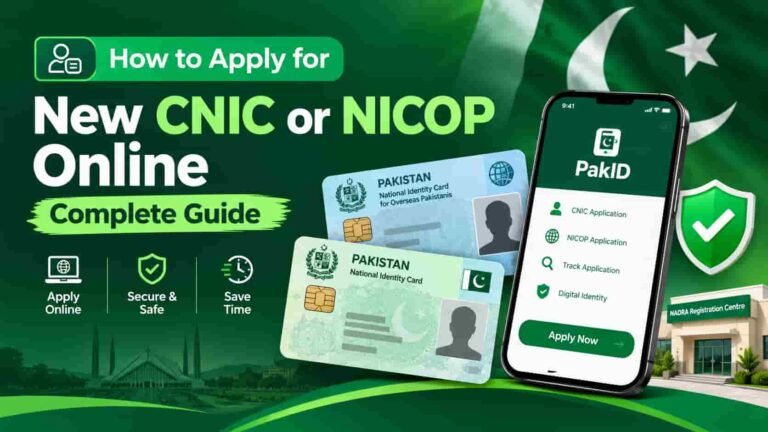
Pakistani citizens living abroad do not renew a standard CNIC — they hold a NICOP (National Identity Card for Overseas Pakistanis), which serves the same function internationally. NICOP renewal follows the same 10-year validity cycle as the CNIC and can be handled entirely online through NADRA Overseas or the Pak Identity App — without returning to Pakistan in most cases.
How to Check NICOP Expiry and Renew Online
- Download the Pak Identity App or visit nadra.gov.pk
Both platforms support NICOP renewal. Overseas users can access all NICOP services through the same channels as domestic CNIC users.
- Log in and select “NICOP Renewal”
Your NICOP expiry date is visible on the home dashboard after login. Select the renewal option from the services menu.
- Complete the online application and pay the fee
NICOP fees are higher than domestic CNIC fees and are quoted in the currency of your country of residence. Payment is accepted via international debit and credit cards.
- Book a biometric appointment at your nearest Pakistan Embassy or Consulate
NADRA operates biometric collection desks at Pakistani diplomatic missions worldwide. Find your nearest location through the NADRA Overseas portal.
An expired NICOP causes the same complications abroad as an expired CNIC causes in Pakistan — including rejection at Pakistani banks, telecom franchises, and border crossings. Check your NICOP expiry through the Pak Identity App at least six months before the expiry date to allow processing time.
Frequently Asked Questions
How do I check my CNIC expiry date without the physical card?
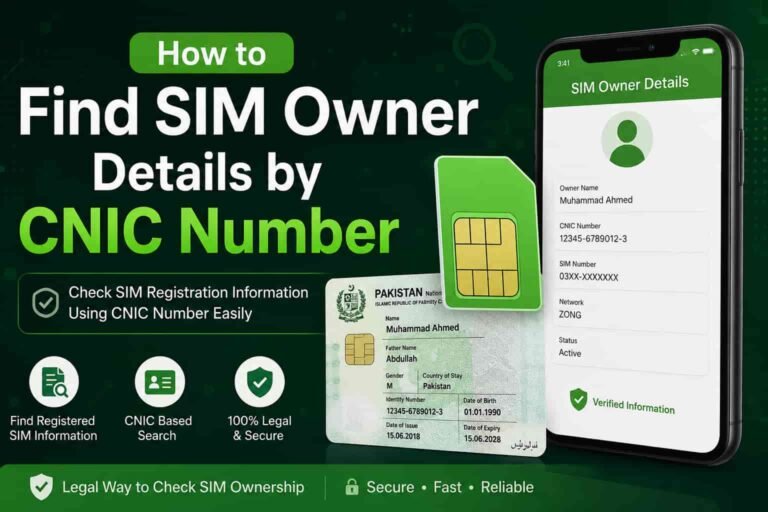
Send your 13-digit CNIC number (without dashes) as an SMS to 7000. The reply confirms your card’s current status and expiry date within 60 seconds. Alternatively, go to nadra.gov.pk or use the Pak Identity App — both show your expiry date after identity verification. For a separate guide on checking telecom registrations, see SIM owner details by CNIC number.
Can I use an expired CNIC for any purpose?
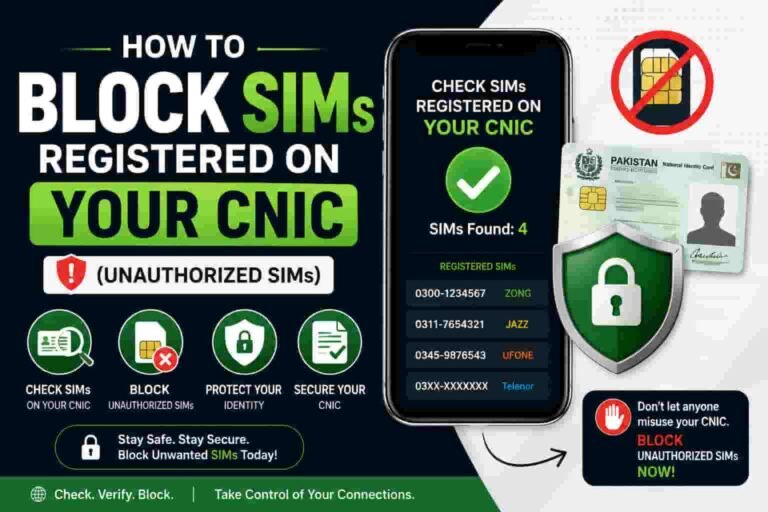
An expired CNIC is generally not accepted for any official transaction in Pakistan — banking, SIM registration, property dealings, passport applications, or government services. The card remains physically in your possession but loses legal validity the day after its expiry date. Renew as soon as possible. If you discover an unauthorized SIM after checking your CNIC, follow our guide on blocking SIMs registered on your CNIC.
How much does CNIC renewal cost in Pakistan?
Normal processing (30 working days) costs Rs. 750. Urgent processing (7 working days) costs Rs. 1,500. Executive processing (2 working days) costs Rs. 3,000. These fees apply whether you renew online or at a NADRA office. Always confirm the latest fee at nadra.gov.pk before applying.
Can I renew my CNIC completely online without visiting NADRA?
You can complete the application, document upload, fee payment, and appointment booking entirely online through nadra.gov.pk or the Pak Identity App. However, you must visit a NADRA Registration Centre once for biometric fingerprint and photograph capture — this in-person step cannot be skipped or done remotely.
How long before expiry should I apply for CNIC renewal?
Apply at least 60 days before your CNIC expiry date if choosing Normal processing (30 working days), and at least 30 days before if choosing Urgent processing. Do not wait until the card has actually expired — an expired CNIC can cause disruptions before your new card arrives.
Does my CNIC number change when I renew?
No. Your 13-digit CNIC number is permanent. It remains exactly the same through every renewal, correction, or lost card replacement for the rest of your life. Only the physical card, photograph, and expiry date are updated.
What happens if I renew my CNIC after the expiry date has passed?
NADRA still processes the renewal — there is no penalty fee specifically for late renewal. However, during the period between expiry and delivery of your new card, your expired CNIC will be rejected for official transactions. Choose Urgent or Executive processing if your CNIC has already expired to minimise this gap.
How do I track my CNIC renewal delivery?
Use the Pak Identity App, visit nadra.gov.pk and enter your CNIC and application reference number, or send your 13-digit CNIC to 7000 via SMS for a quick status update. NADRA delivers renewed cards by registered post to your address on record.
Is the NADRA helpline free?
Yes. The NADRA toll-free helpline is 0800-23232. It is available during NADRA office hours on working days for queries about CNIC expiry, renewal status, office locations, and corrections.
Can I renew a CNIC on behalf of an elderly parent who cannot visit NADRA?
NADRA requires the actual cardholder to be present for biometric fingerprint and photograph capture — there is no proxy or representative option for this step. However, NADRA does operate mobile registration units that visit hospitals, care facilities, and remote areas for citizens who are medically unable to travel. Contact the NADRA helpline at 0800-23232 to request a mobile unit visit for genuinely immobile individuals.