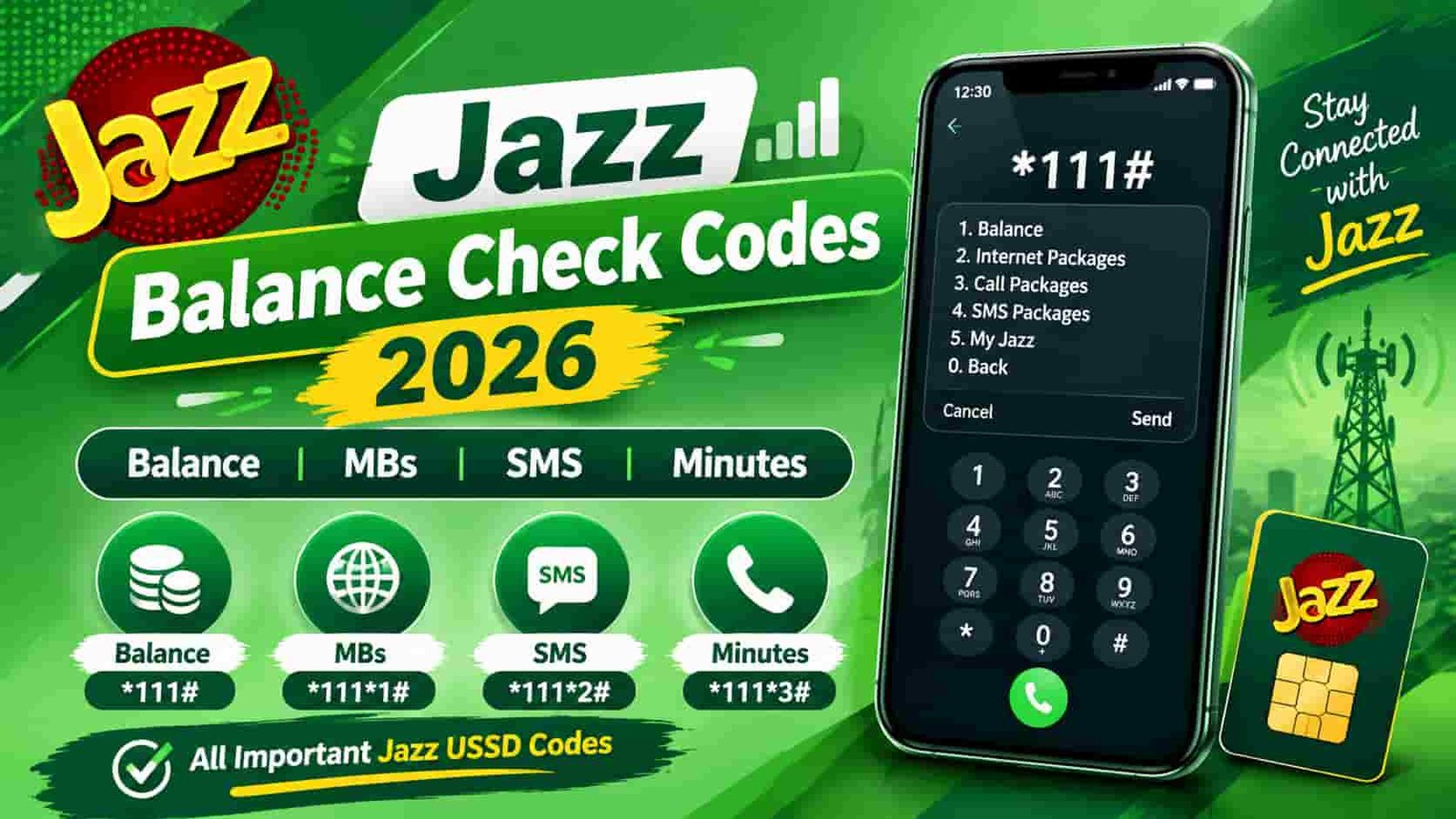
Jazz Balance Check Code 2026
Every code you need to check your Jazz balance, internet MBs, call minutes, and remaining SMS — all in one place, updated and verified.
Quick Reference
So you want to check your Jazz balance but you are not sure which code to dial. You are not alone — Jazz offers multiple USSD codes depending on whether you want to check your main credit, your internet data, your call minutes, or your SMS balance.
This guide covers every official code, plus the app and WhatsApp methods that do not eat into your balance when you check. Whether you are on a prepaid Jazz SIM or a Jazz postpaid plan, you will find the right answer below.
Quickest answer: Dial *111# from your Jazz prepaid SIM to check your main credit balance instantly. For internet MBs, dial *117# or *1#. For call minutes, dial *110#.
Jazz Balance Check Code — Main Credit (*111#)
The standard Jazz balance check code is *111#. It works on all Jazz prepaid SIMs across Pakistan, whether you are on a daily, weekly, or monthly package.
How to check Jazz balance step by step
- Open your phone dialer
Use the standard call dialer on any Android or iPhone. Make sure you have the Jazz SIM active in the selected slot.
- Dial *111# and press the call button
Type the code exactly as written — an asterisk (*), then 111, then a hash (#). Press the green call button to send it.
- Wait 2–3 seconds for the flash message
A pop-up screen appears on your phone showing your current balance and the date your credit expires. No internet connection is needed for this step.
Jazz typically deducts a small USSD service charge (around Rs. 0.12 to Rs. 0.25 plus applicable taxes) each time you dial this code. So if your balance is already extremely low, the check itself might not go through.
Pro tip: If you want to check your balance for free without any deduction, use the SIMOSA app or the Jazz WhatsApp self-service instead. Both methods are covered further down in this guide.
Alternative balance check code: *444*6*2#
Another working code is *444*6*2#. This opens the Jazz self-service menu and navigates directly to your balance summary. The tax charge is the same as *111#, so most users prefer the shorter code.
Jazz Internet / MB Check Code
Checking your remaining internet data on Jazz is slightly different from checking your credit balance. Jazz gives you a few options depending on your active bundle type.
The universal formula: add *2# to your package code
Here is the smartest trick for checking internet MBs on Jazz. Every Jazz data package has an activation code. To check the remaining data in that specific package, simply add *2# at the end of its activation code.
For example:
| Package Type | Activation Code | Check Remaining MBs |
|---|---|---|
| Weekly Internet | *117*3# | *117*3*2# |
| Weekly Internet (alternate) | *117*47# | *117*47*2# |
| Monthly Premium | *117*30# | *117*30*2# |
| Daily Bundle | *117*4# | *117*4*2# |
| Monthly Browser | *117*77# | *117*77*2# |
In short: if you know the code you used to subscribe to a Jazz data bundle, just add *2# to the end and dial it. The network sends you an SMS with your remaining MBs and the expiry time.
Good to know: Jazz charges a nominal tax (around Rs. 0.25) for data balance checks via USSD. The SIMOSA app shows the same information completely free.
Jazz Minutes Check Code
Need to know how many call minutes you have left? Jazz gives you a dedicated code for that too.
Checking minutes for a specific call package
Similar to the data MB trick, you can check remaining minutes on a specific call package by adding *2# to the package activation code. For instance, if your monthly package activates via *706#, then dial *706*2# to see how many minutes remain.
Standard charges may apply when you use *110# to check minutes. If you want a charge-free check, open the SIMOSA app and view your resources directly from the home screen dashboard.
Jazz SMS Check Code
Running low on text messages? Here is how to check your remaining free SMS on Jazz.
SMS balance for specific packages
Jazz also lets you check the remaining SMS within a specific bundle by using the same *2# formula. For monthly SMS packages, the check codes follow this pattern:
| Package | Subscribe Code | Check Remaining SMS |
|---|---|---|
| Monthly SMS | *101*1*01# | *101*2*02# |
| Weekly SMS | *101*1*07# | *101*2*07# |
After you dial the check code, Jazz sends you an SMS with the exact number of messages remaining and the time until your package expires.
Check All Active Jazz Packages (*443#)
Sometimes you just want to see everything at once — which packages are active, what resources remain in each one, and when they all expire. That is exactly what *443# does.
This is the most useful code if you subscribe to multiple packages at once. For example, you might have a separate data bundle, a call minutes bundle, and an SMS bundle all running at the same time. One dial of *443# gives you the full picture.
Jazz Postpaid Balance Check
Jazz postpaid customers use different codes from prepaid users. The *111# prepaid code does not work for postpaid lines — you will get an error or incorrect information if you try it on a postpaid SIM.
Because postpaid billing is more complex, Jazz also recommends using the SIMOSA app or calling the helpline at 111 (from a Jazz number) or 042-111-300-300 (from any network) for a detailed account overview.
Watch out: Do not use *111# on a postpaid SIM expecting balance details. Always use *1111# or *446# for Jazz postpaid accounts. Using the wrong code gives misleading results.
SIMOSA App Method (Free & Most Detailed)
The SIMOSA app — previously called Jazz World — is hands down the best way to check everything on your Jazz account in one place. And the best part? It does not charge you anything for checking your balance or data.
The moment you open the app, you see your current balance, remaining MBs, remaining minutes, and SMS count right on the home screen. No codes to remember, no USSD fees, and a much cleaner breakdown than what a flash message gives you.
How to use the SIMOSA app to check your Jazz balance
- Download the SIMOSA app
Get it from the Google Play Store or the Apple App Store. Search for “SIMOSA” or “Jazz World” and install the official Jazz app.
- Register or log in with your Jazz number
Enter your Jazz mobile number. The app sends you a verification OTP via SMS. Enter it to complete login. First-time users create a PIN during setup.
- View your balance on the home screen
Your current credit balance, active packages, remaining internet data, call minutes, and SMS all appear on the dashboard. Tap any resource to see a detailed breakdown with exact expiry times.
Beyond just checking balances, the SIMOSA app also lets you recharge your account, subscribe to new packages, view your call history, pay bills, and contact Jazz customer support. It is worth keeping on your home screen.
No internet at the moment? No problem. The USSD codes listed in this guide work on any 2G, 3G, 4G, or 5G Jazz connection and do not require a data bundle to be active. They run entirely over the voice network.
Jazz WhatsApp Self-Service Method
Jazz also runs a WhatsApp-based self-service channel. It is a solid alternative when you have Wi-Fi access but do not want to open the full app.
- Save Jazz’s WhatsApp number
Add 0300-3008000 to your contacts as “Jazz Care” or any name you prefer.
- Open WhatsApp and start a chat
Send the word “Hi” to start the session. If this is your first time, Jazz will ask you to accept their terms by replying with 1.
- Reply with 4 for balance and account details
The bot presents a numbered menu. Select option 4 to check your balance, active packages, and remaining resources. The reply arrives as a structured WhatsApp message.
This WhatsApp method does not deduct any USSD charges. If you have a Wi-Fi connection, it is completely free to use. It is especially helpful when you are travelling abroad and want to check your Pakistan SIM details without roaming call charges.
Extra Useful Jazz Codes
Beyond checking balances, Jazz provides several other self-service codes that every subscriber should know. Here are the most important ones.
Check your own Jazz number
Jazz balance save code
Jazz emergency / advance balance
Jazz SIM Lagao offer
Jazz helpline numbers
| Contact Method | Number / Code | Available For |
|---|---|---|
| Helpline (on Jazz) | 111 | Prepaid customers |
| Helpline (on Jazz) | 777 | Postpaid customers |
| Helpline (any network) | 042-111-300-300 | All customers |
| WhatsApp Self-Service | 0300-3008000 | Prepaid & Postpaid |
Complete Jazz USSD Codes Table 2026
Here is the full master reference for every Jazz check code covered in this guide. Bookmark this section or save a screenshot to your phone.
| What You Want to Check | Code to Dial | Response Type |
|---|---|---|
| Main credit balance (prepaid) | *111# | Flash message |
| Balance via menu | *444*6*2# | Flash message |
| Internet / data balance (all) | *117# | Interactive menu |
| Data balance (quick) | *1# | Flash message |
| Remaining MBs (specific bundle) | [Bundle code]*2# | SMS |
| Call minutes remaining | *110# | Flash / SMS |
| All free resources (minutes, MBs, SMS) | *211*2# | SMS |
| SMS balance | *101# | Flash message |
| SMS balance (alternative) | *102*2# | Flash message |
| All active packages + status | *443# | SMS |
| All available offers / master menu | *321# | Interactive menu |
| Jazz self-service prepaid menu | *444# | Interactive menu |
| Postpaid bill / balance | *1111# | SMS |
| Postpaid self-service menu | *446# | Interactive menu |
| My Jazz number | *99# | Flash message |
| Balance protect / save | *275# | Confirmation |
| Balance protect (alternative) | *117*3# | Confirmation |
| Advance balance / loan | *112# | Flash message |
| SIM Lagao offer | *551# | Activation / confirmation |
| SIM Lagao remaining resources | *551*2# | SMS |
Important: Jazz codes and charges are subject to change. Always verify the latest codes through the official Jazz website at jazz.com.pk/self-service-dial-code or by calling 111 from your Jazz SIM.
Tips and Common Mistakes to Avoid
Always use the correct symbols
USSD codes on Jazz always start with an asterisk (*) and end with a hash (#). A lot of people accidentally type the letter O instead of the number 0, or forget the # at the end. Either mistake causes the code to fail.
Do not add spaces inside the code
Spaces break USSD codes. Type *111# as a single continuous string with no spaces. The same rule applies to longer codes like *117*30*2#.
Wait for the full response before closing
Some users tap out of the pop-up too quickly. Give the system 2–4 seconds to load the full flash message. On an SMS-based response (like *443#), the message arrives in your inbox within a few seconds.
Use the SIMOSA app to avoid daily charges
If you check your balance multiple times a day, those small USSD fees add up. The SIMOSA app shows everything for free. It is worth the one-time setup.
Check your number of registered SIMs too
Alongside your Jazz balance, it is worth keeping an eye on how many SIMs are registered against your CNIC. The PTA allows a maximum of 6 SIMs per CNIC. You can check all SIMs registered on your identity card by visiting this guide on checking SIMs registered on your CNIC or using the PTA 668 code.
Stay safe: Never share your Jazz account PIN, OTP, or CNIC details with anyone claiming to be from Jazz customer support. Genuine Jazz representatives never ask for these details over a call or message. Learn more about SIM owner verification and protecting your telecom identity.
Also on sim.net.pk
Check these related guides to get the most out of your Jazz and other network SIMs in Pakistan.
Jazz SIM Owner & Package CheckFrequently Asked Questions
What is the Jazz balance check code?
The primary Jazz balance check code is *111#. Dial it from your Jazz prepaid SIM and a flash message shows your remaining credit in rupees along with your account expiry date. A small USSD charge of around Rs. 0.12–0.25 plus tax applies each time you use this code.
How do I check Jazz internet MBs?
Dial *117# for the internet balance menu, or dial *1# for a quick data balance check. If you know the activation code of your specific bundle, add *2# to the end of it. For example, if your bundle activates with *117*30#, dial *117*30*2# to see remaining MBs.
How do I check Jazz remaining minutes?
Dial *110# to see your remaining on-net and off-net call minutes. You can also dial *211*2# to get a complete summary of all free resources including minutes, data, and SMS in a single SMS reply.
How do I check remaining SMS on Jazz?
Dial *101# to check your remaining free SMS balance. An alternative code is *102*2#. For a package-specific SMS check, add *2# to the end of your SMS bundle’s subscription code.
Is the Jazz balance check code free?
Dialing *111# does incur a small USSD service charge (approximately Rs. 0.12–0.25 plus applicable taxes). If you want to check your balance without any charges, use the SIMOSA app (formerly Jazz World) or the Jazz WhatsApp self-service at 0300-3008000. Both are free.
What is the Jazz postpaid balance check code?
Jazz postpaid customers should use *1111# to check their current bill and usage summary. The standard *111# code is for prepaid accounts only. For detailed postpaid account management, use the *446# self-service menu or the SIMOSA app.
How do I check all my active Jazz packages at once?
Dial *443# to receive an SMS listing all your currently active Jazz packages — data bundles, call packages, and SMS bundles — along with remaining resources and expiry times for each. You can also open the SIMOSA app and go to “My Account” for the same information.
What if my Jazz USSD code is not working?
First, double-check that you have typed the code correctly with no spaces and the correct symbols (* and #). Then try switching your SIM to airplane mode for 10 seconds and back to reset the network connection. If the problem continues, contact Jazz on 111 (from a Jazz SIM) or 042-111-300-300 (from any network). You can also use the SIMOSA app over Wi-Fi as an alternative.
How do I find my Jazz mobile number?
Dial *99# from your Jazz SIM. Your number appears on screen in 1–2 seconds. This code is completely free and works for both prepaid and postpaid users. You can also check your number in the SIMOSA app after logging in.
How do I get Jazz emergency or advance balance?
Dial *112# to request a Jazz advance balance loan. This service is available to eligible prepaid customers who have been active Jazz subscribers. The borrowed amount is automatically deducted from your next recharge. Eligibility criteria apply.